

Team level settings
Common team level settings
Overview
Add your team/account level configurations to tailor your account.
1. Access team-level settings
- Go to 👉 Chakra Dashboard
Note: Only Admins and Manager role types can change the team settings
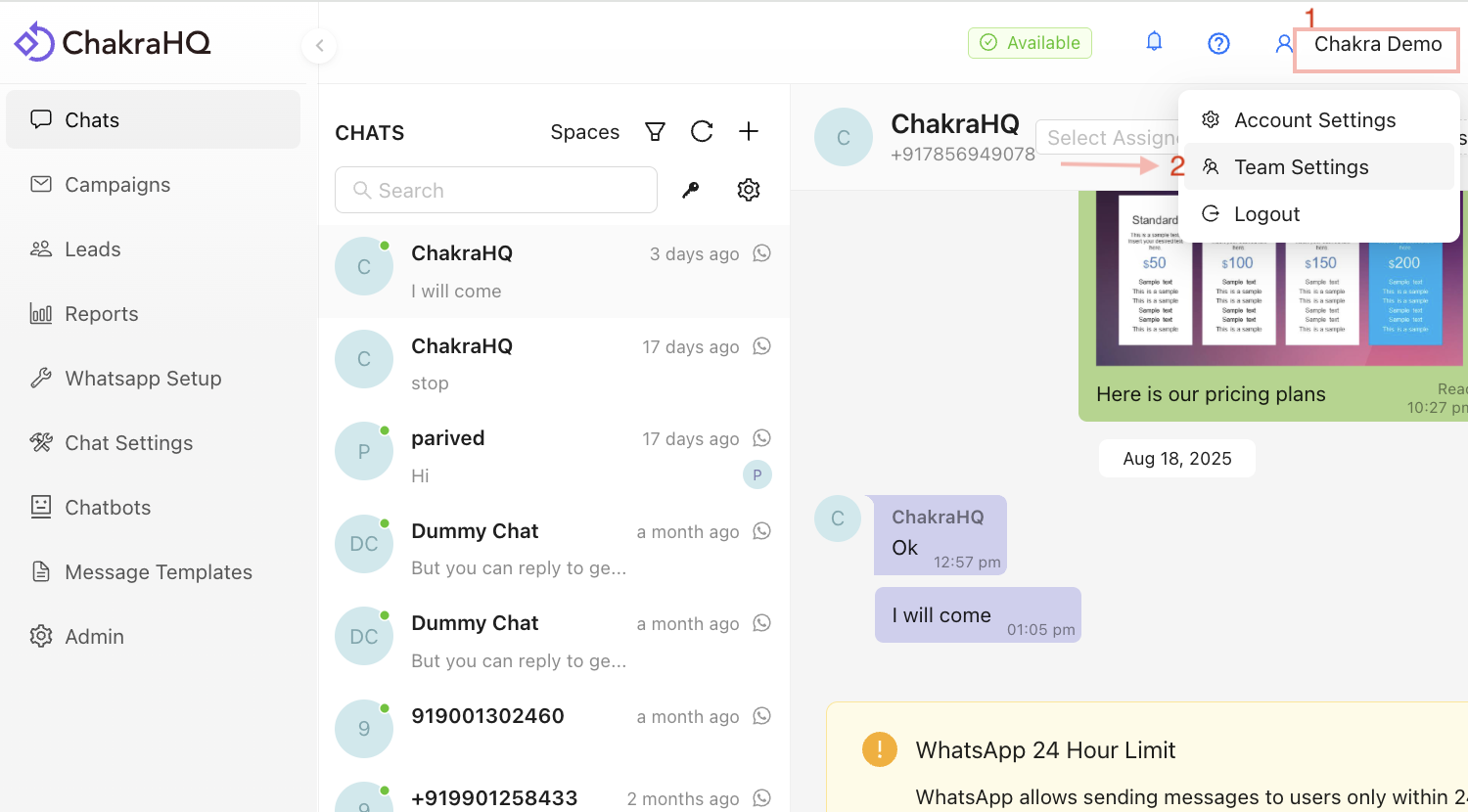
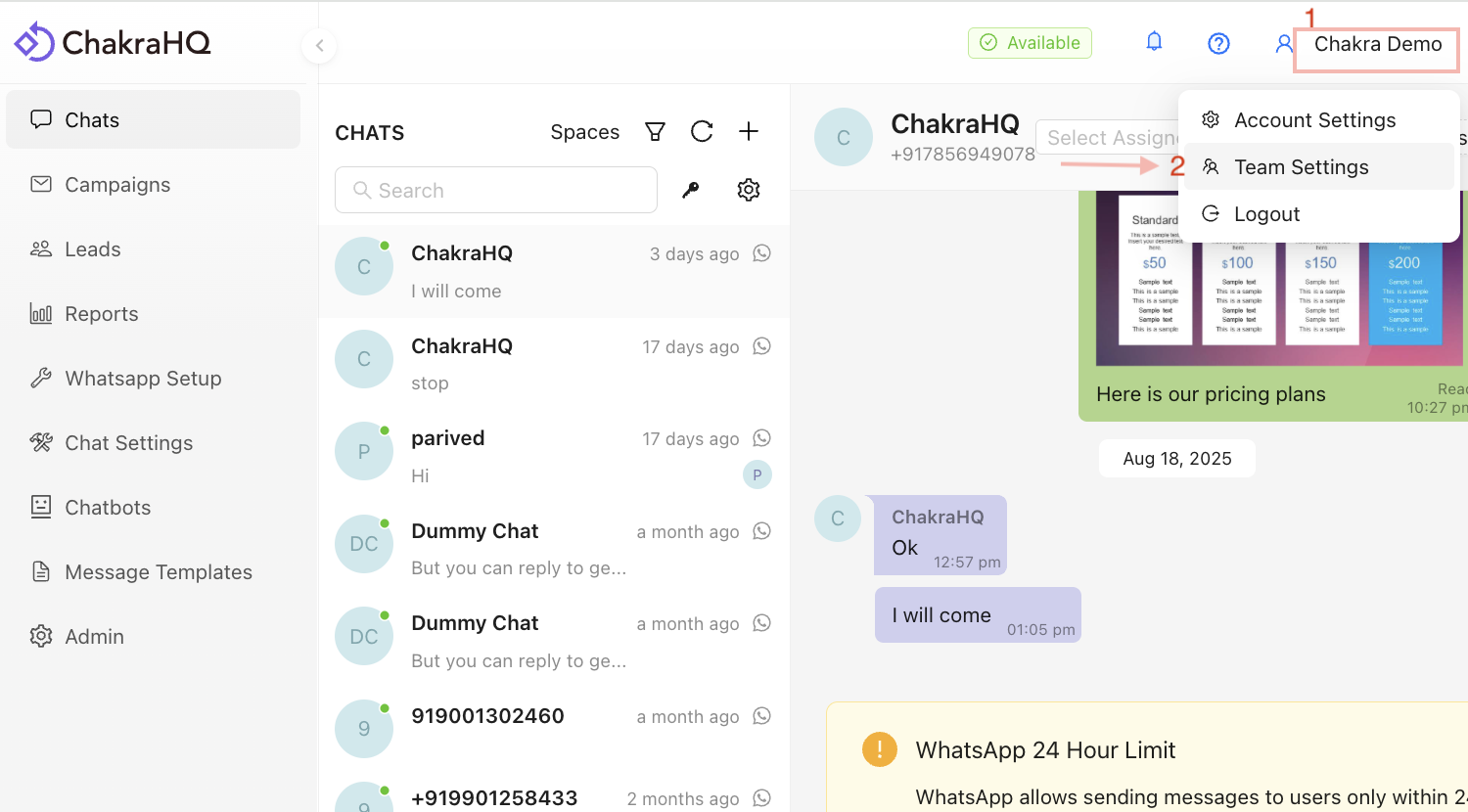
- Navigate to
Accountin the right-side top of Chakra dashboard. Go to 👉Team Settings
2. Configure Timezone
- You can set a timezone in Chakra Chat for the convenience of business operations.\\
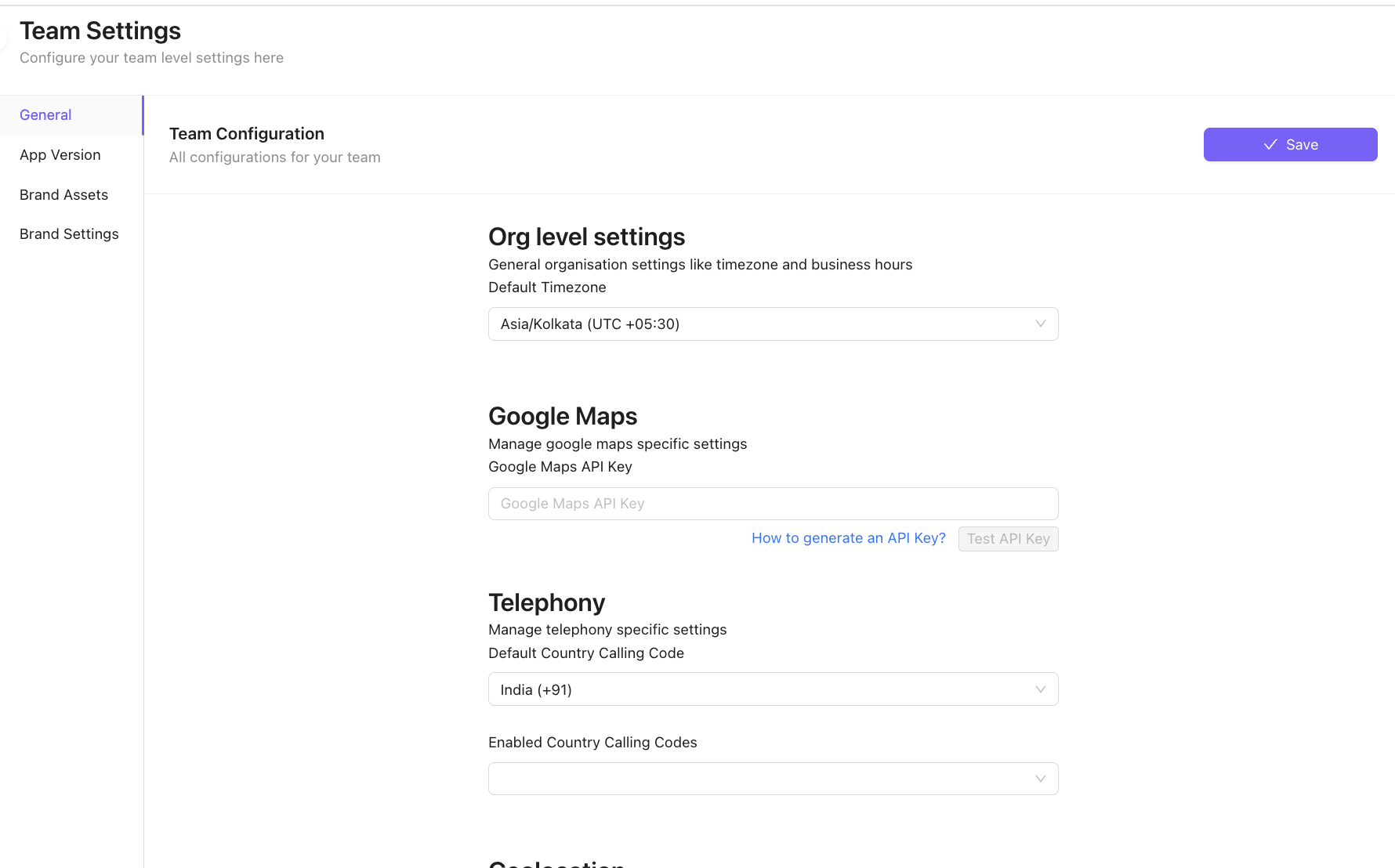
Note that this does not affect your team members in different time zones. For example, even if your team's default timezone is EST, your team members operating in the GMT timezone will be able to use Chakra in their timezone without any issue.
3. Configure Default Country Code
- Under the telephony section, please select the default country calling code. This will make sure that all phone number inputs have this country code pre-selected, saving you extra clicks.
Note 1: This just enables the pre-selection of a default country code - you will still be able to select other country codes in phone inputs. Note 2: If you want to whitelist the country codes that are available via the phone number input, you can configure the same via Enabled Country Calling Code input.
4. Add Company Brand Assets
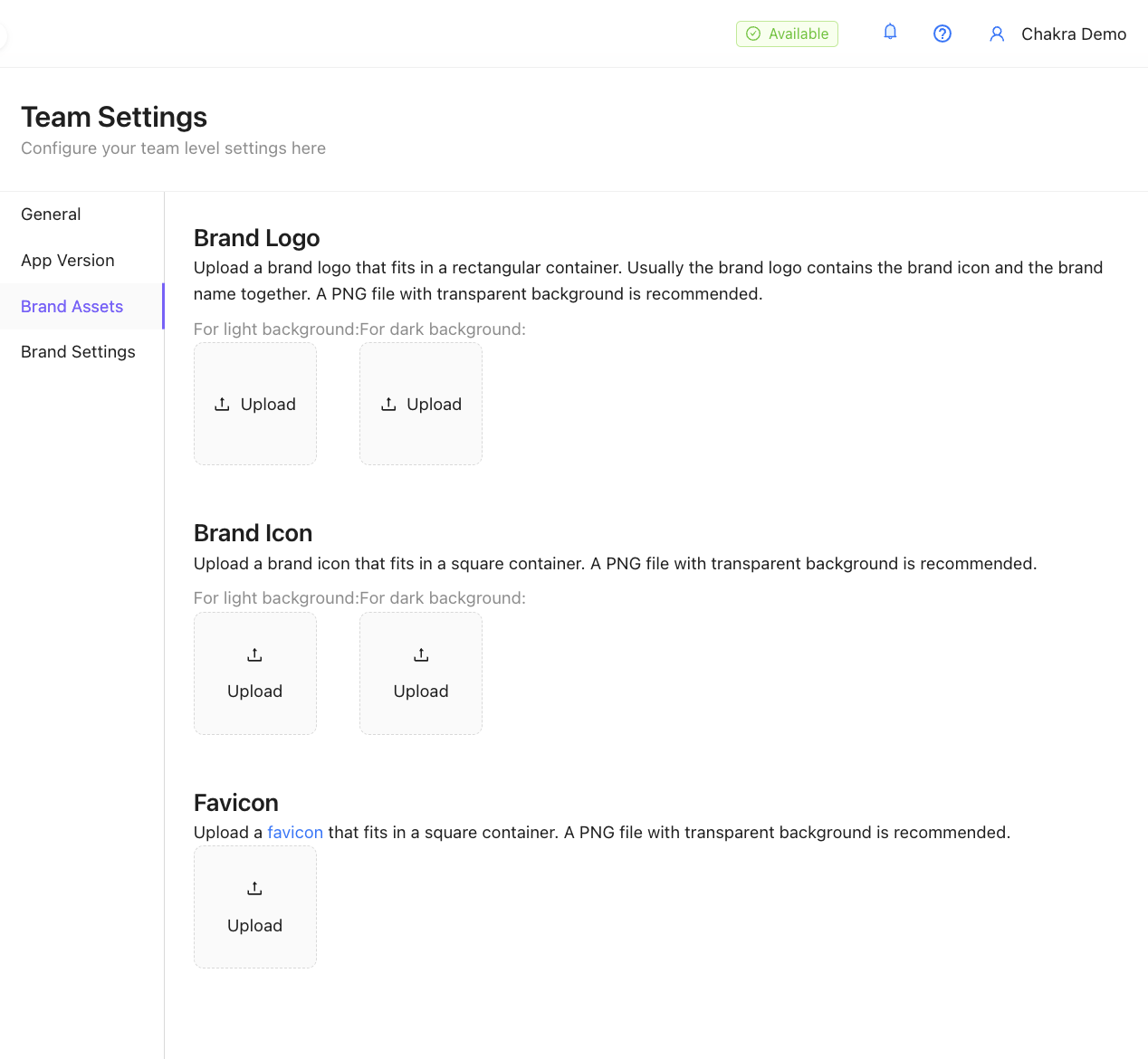
- You can set up your company branding, like brand logo, icons, etc
Note: A PNG file with a transparent background is recommended
5. Add Brand Settings
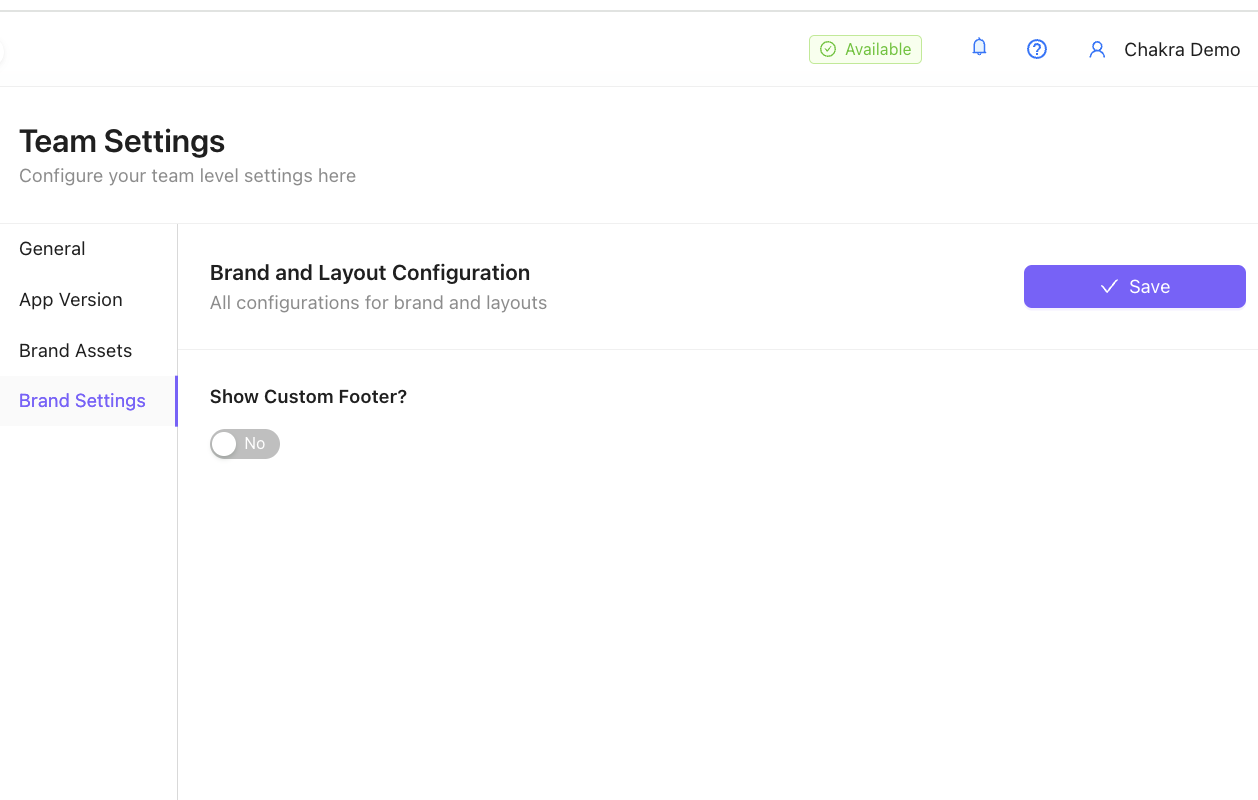
- Brand and Layout Configuration with Custom Footer
6. Delete Chakra Account
To delete this team/account and all associated account data.
Step 1: Disconnect WABA
Disconnect the connected WhatsApp Business API Account following the steps in this guide
Disconnect WABA from Chakra Guide
Note: The Disconnection steps are different for WhatsApp API and WhatsApp API (Coexistence) setups. Choose your setup type and continue with the disconnection.
Step 2: Delete Chakra Account
- Click on your
Accountin the right-side top of Chakra dashboard. Go toTeam Settings
- ⬇️ Scroll down to the bottom of the page in the
Generaltab
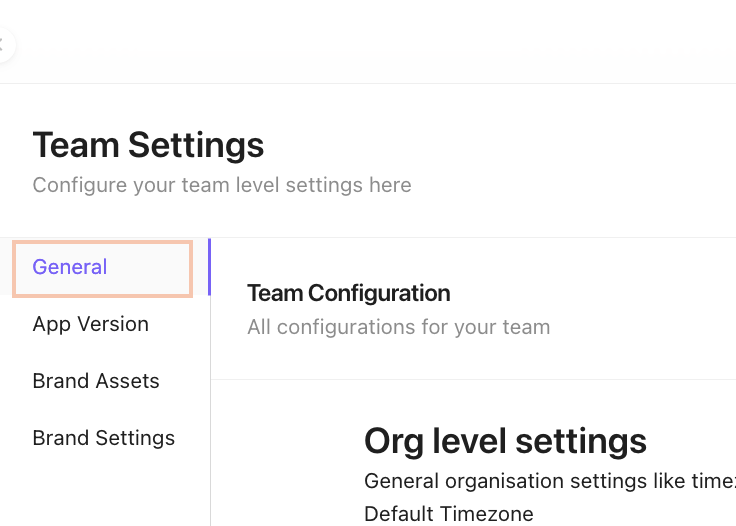
- In the Delete Team section, click on
Delete Teamand complete the deletion process
If you face any issues, please create a ticket