Chatbot Builder Basics
Overview
The chatbot flow defines the sequence of interactions between the user and the chatbot, guiding the conversation from initiation to resolution. In Chakra Chat, you can use the chatbot builder to create a chatbot tailored to your use case.
Explore the builder 👉 Chatbot Builder
Key Elements of Chatbot Builder
Nodes
These are the building blocks of the chatbot’s conversation logic. Each node represents a specific action or interaction. For Chakra Chat, the key node types include:
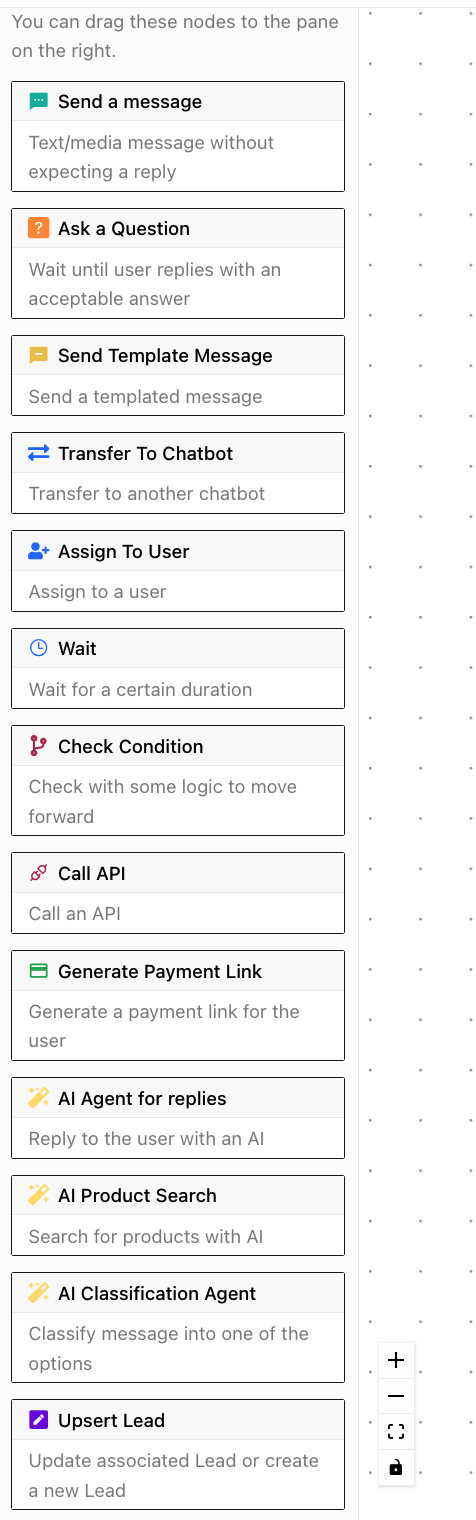
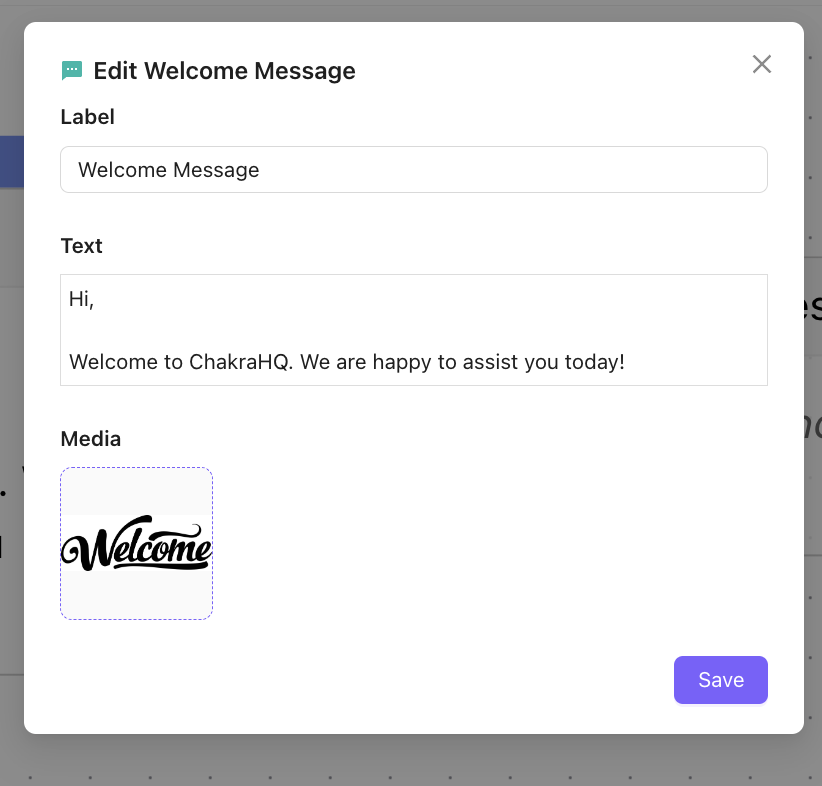
Send a Message
Delivers a predefined message to the user (e.g., "Welcome to Chakra Chat! How can we assist you?").
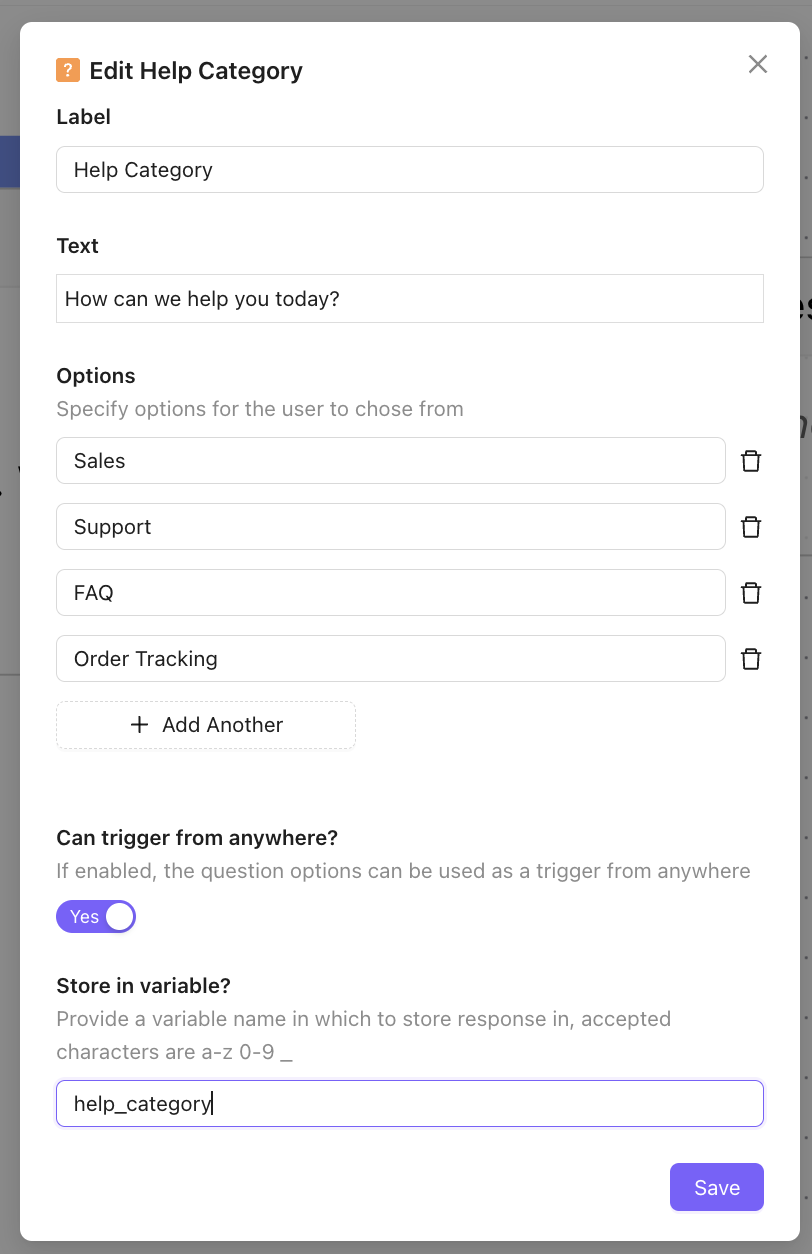
Ask a Question
Prompts the user for input (e.g., "What product are you interested in?") and captures the user response.
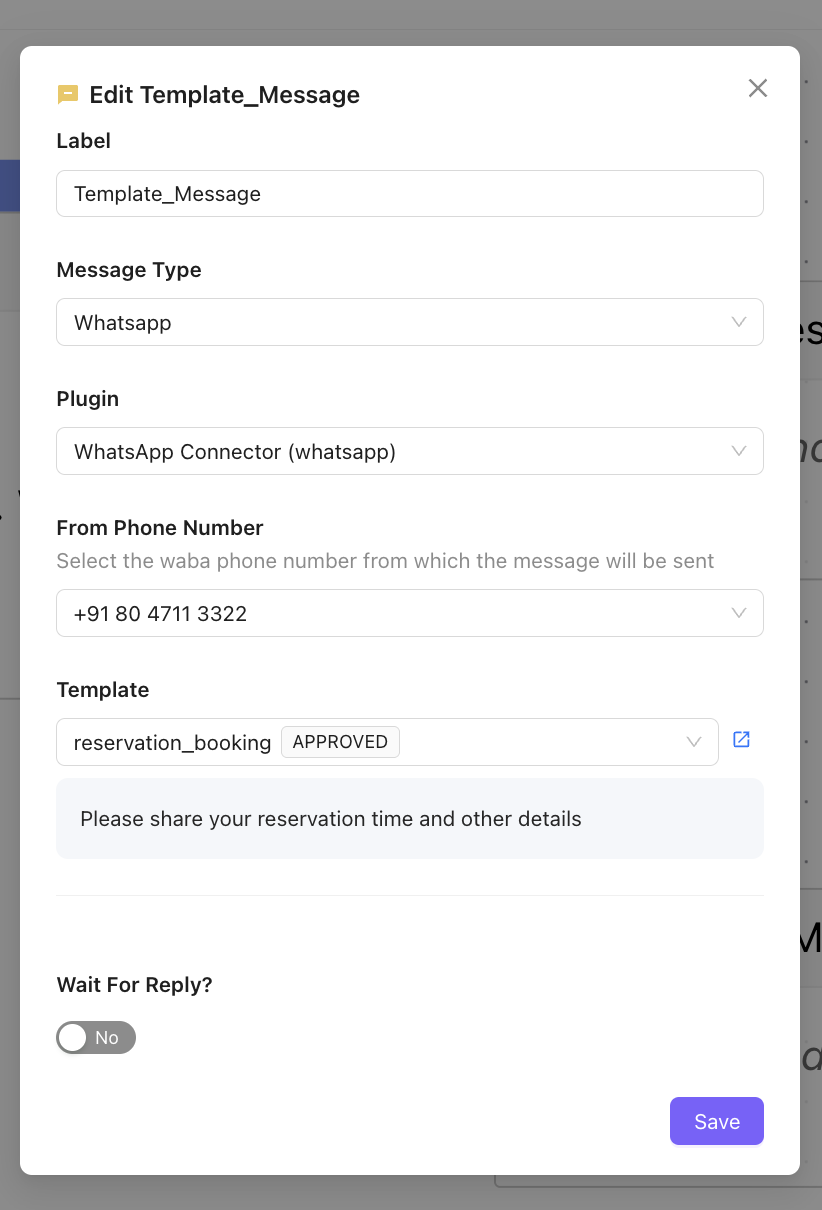
Send Template Message
Used to send a message on chat using a template message
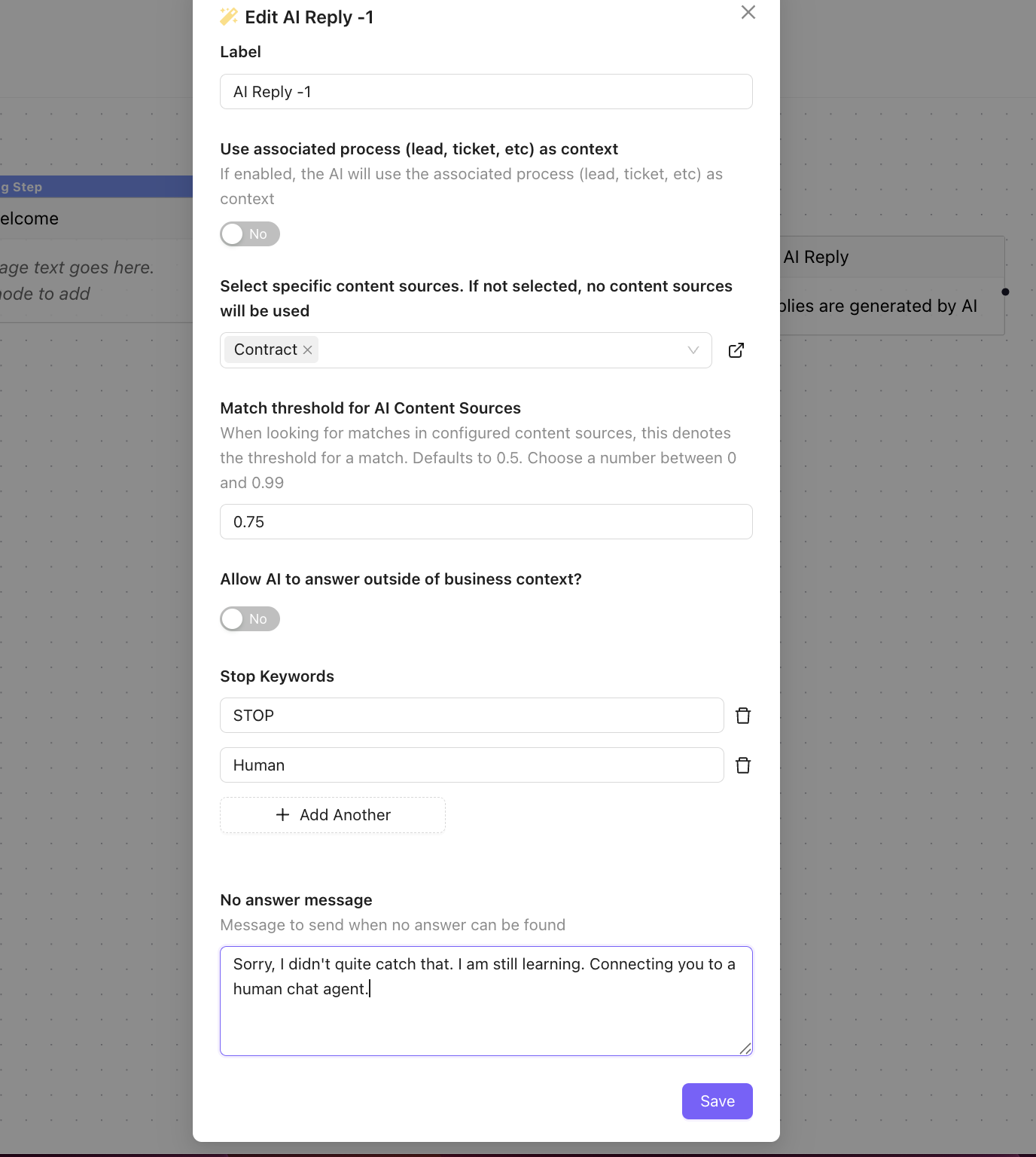
AI Reply
Uses AI to generate dynamic responses based on user input from AI content
AI Product Search
Provides WhatsApp catalog product information or recommendations
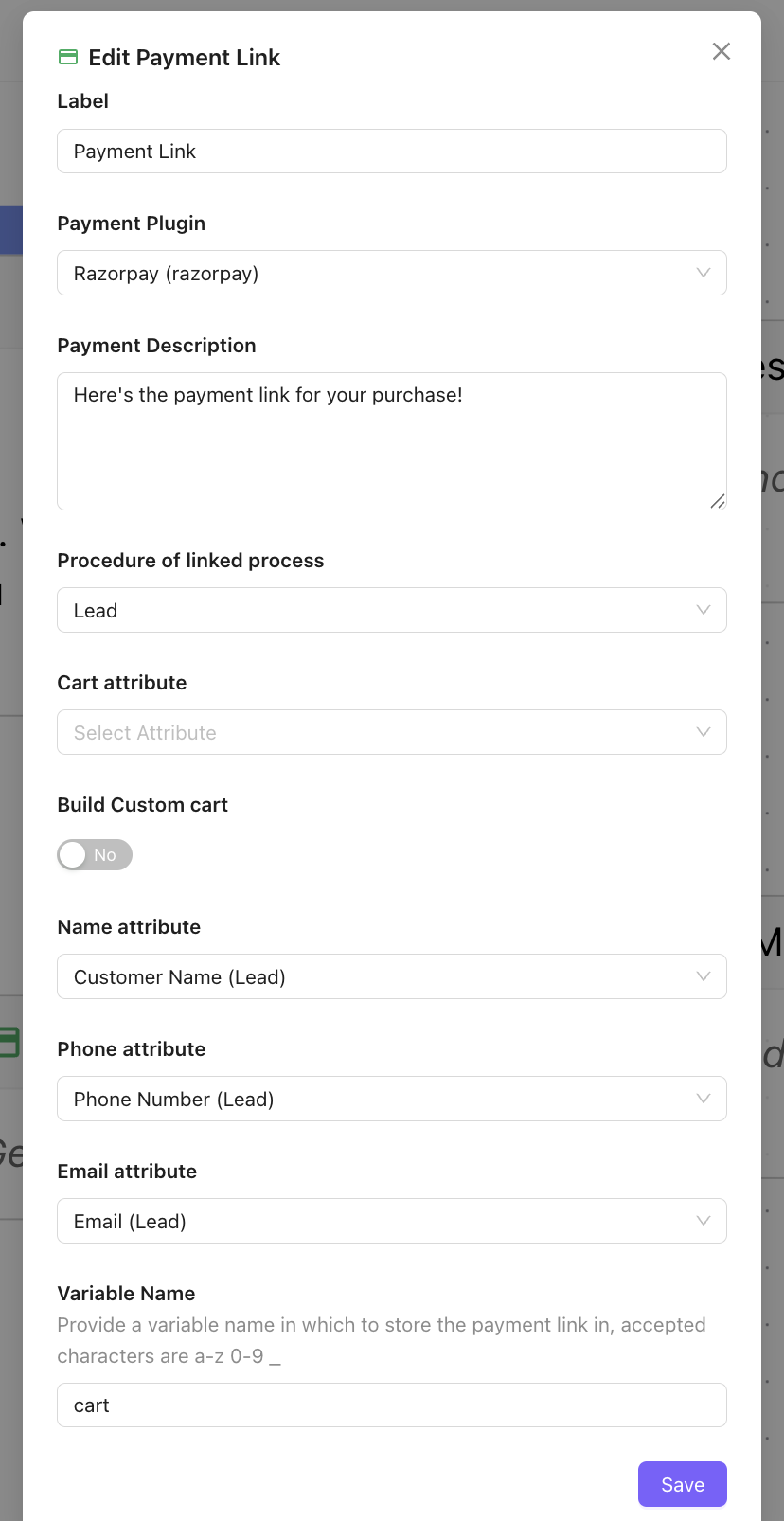
Generate Payment Link
Generate a payment link for the user
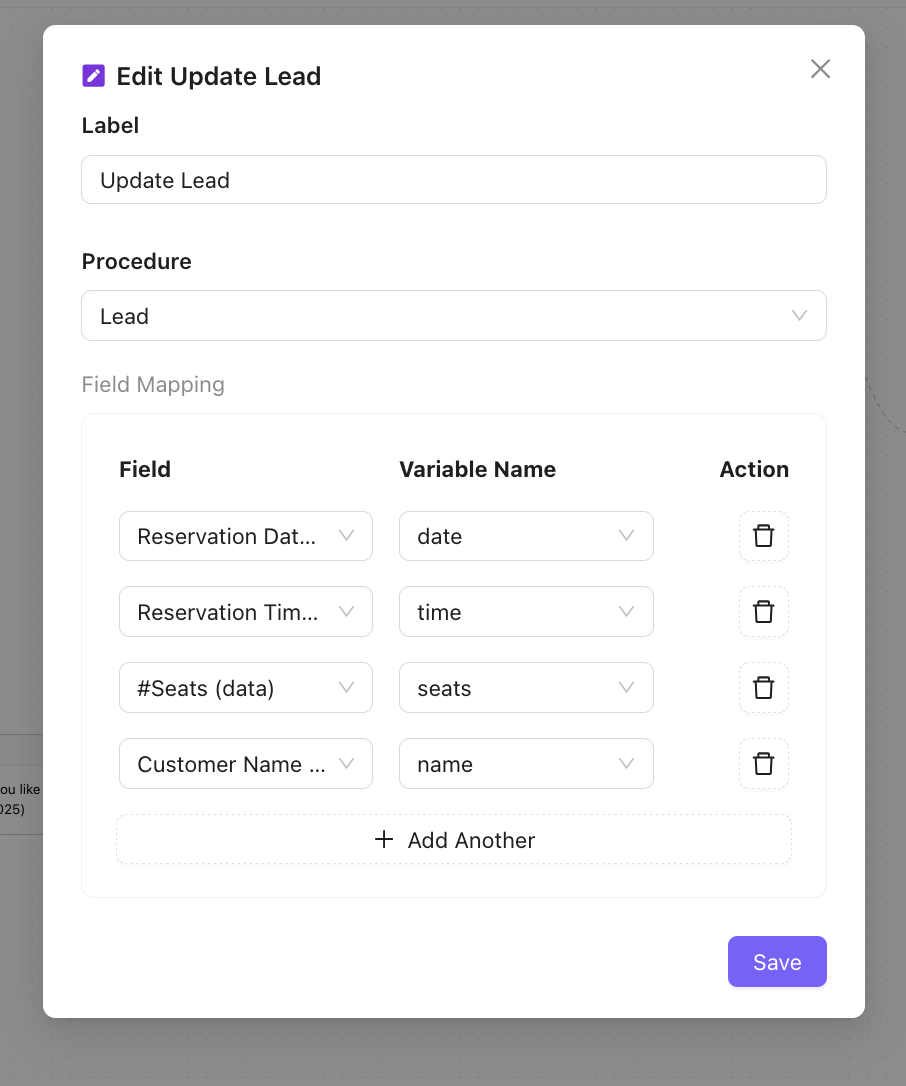
Upsert Lead
Update the chatbot responses from the user in the lead fields.
- Field: Lead Field in Chakra Chat Leads
- Variable name as stored in the Chatbot variable
Assign to User
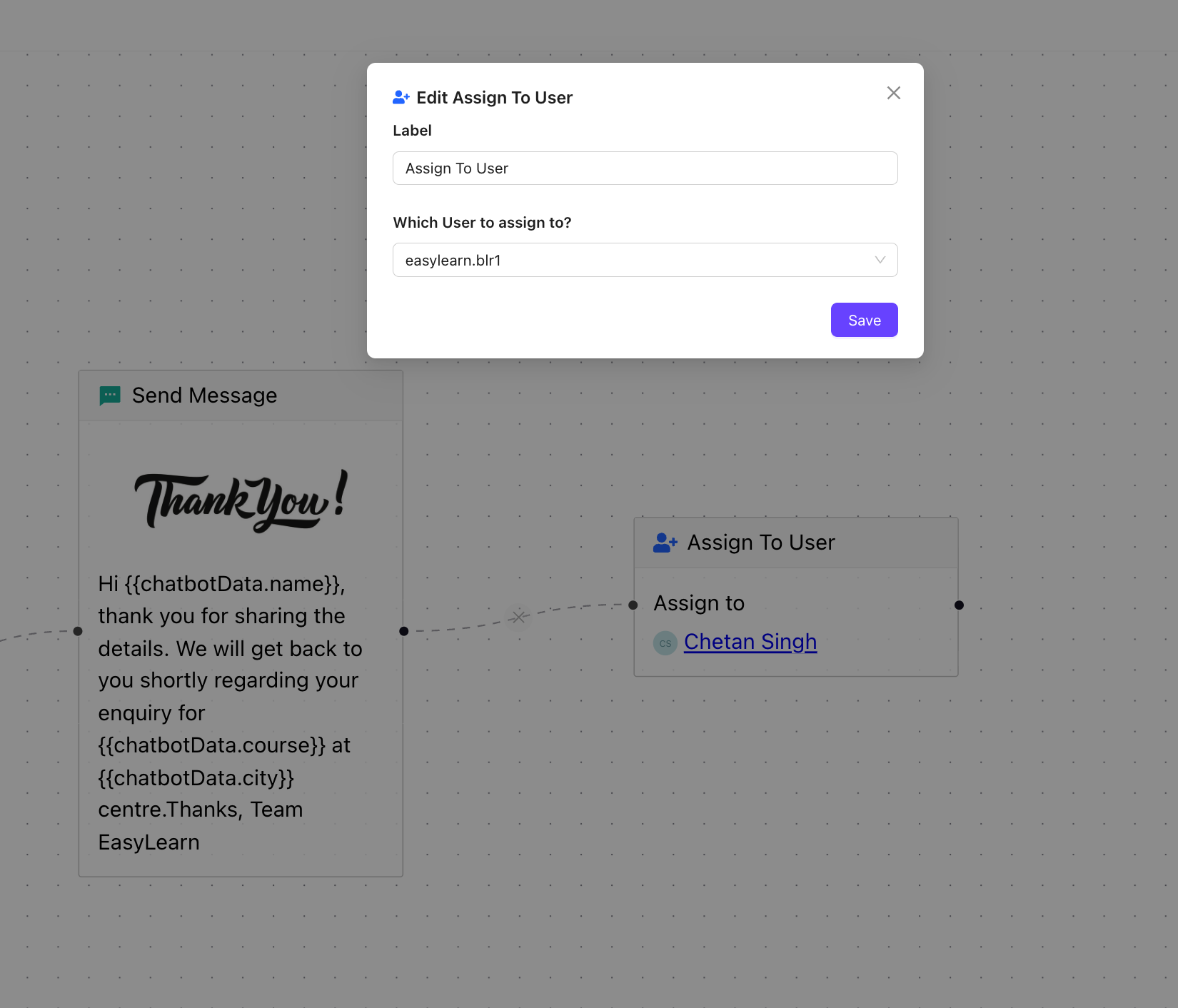
Transfer the chat to a user using the Assign to User chatbot node. Choose the user to be assigned the chat from the chatbot flow.
Transfer to Chatbot
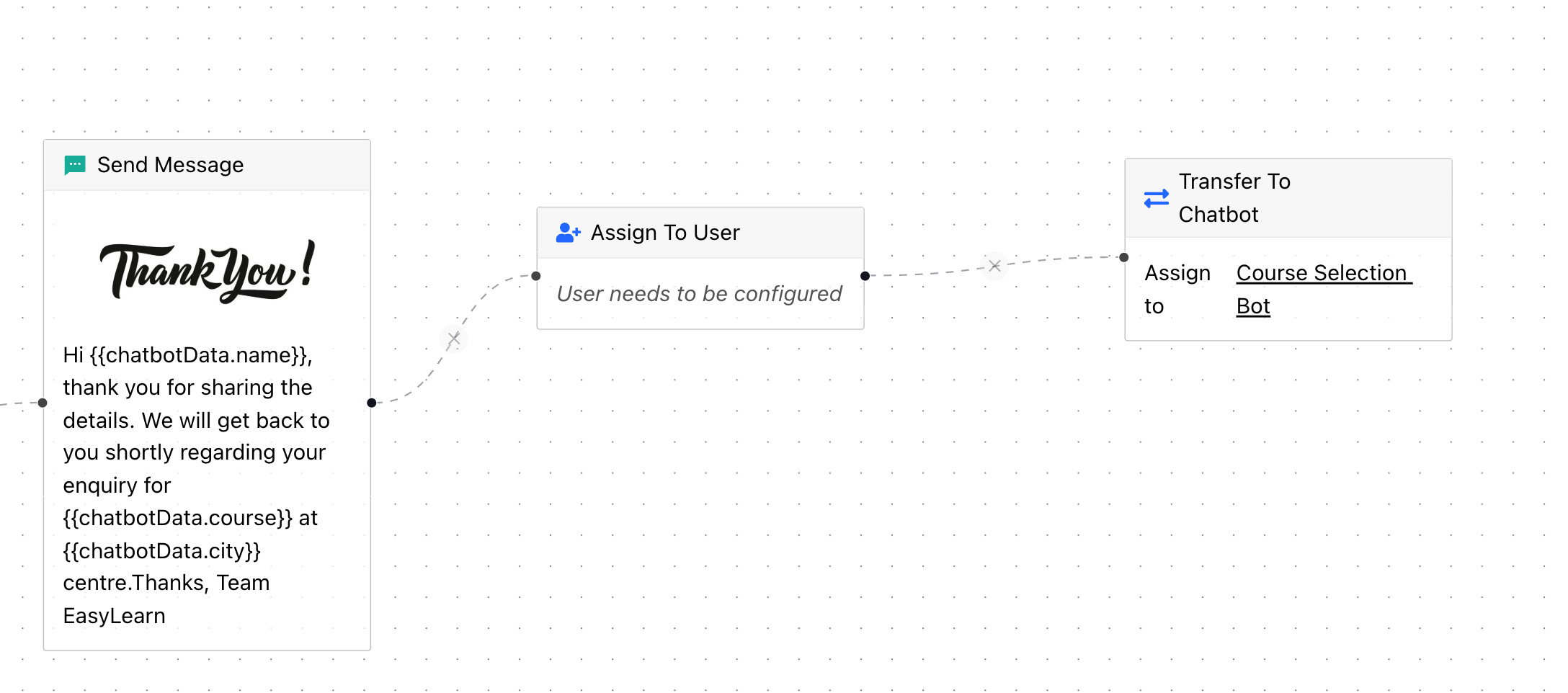
To transfer the chat to a different chatbot from an existing chatbot flow, use the Transfer to Chatbot node. Choose the specific chatbot to start a new chatbot flow.
Connectors
Connectors define the transitions between nodes based on user input or predefined conditions. For example: A connector can be linked to a Question Node ("Do you want to learn about our pricing?") to an AI-Product Node if the user responds "Yes," or to a Message Node ("Okay, let’s explore other features!") if the user responds "No."
Chatbot Builder Key Actions
Add a Node
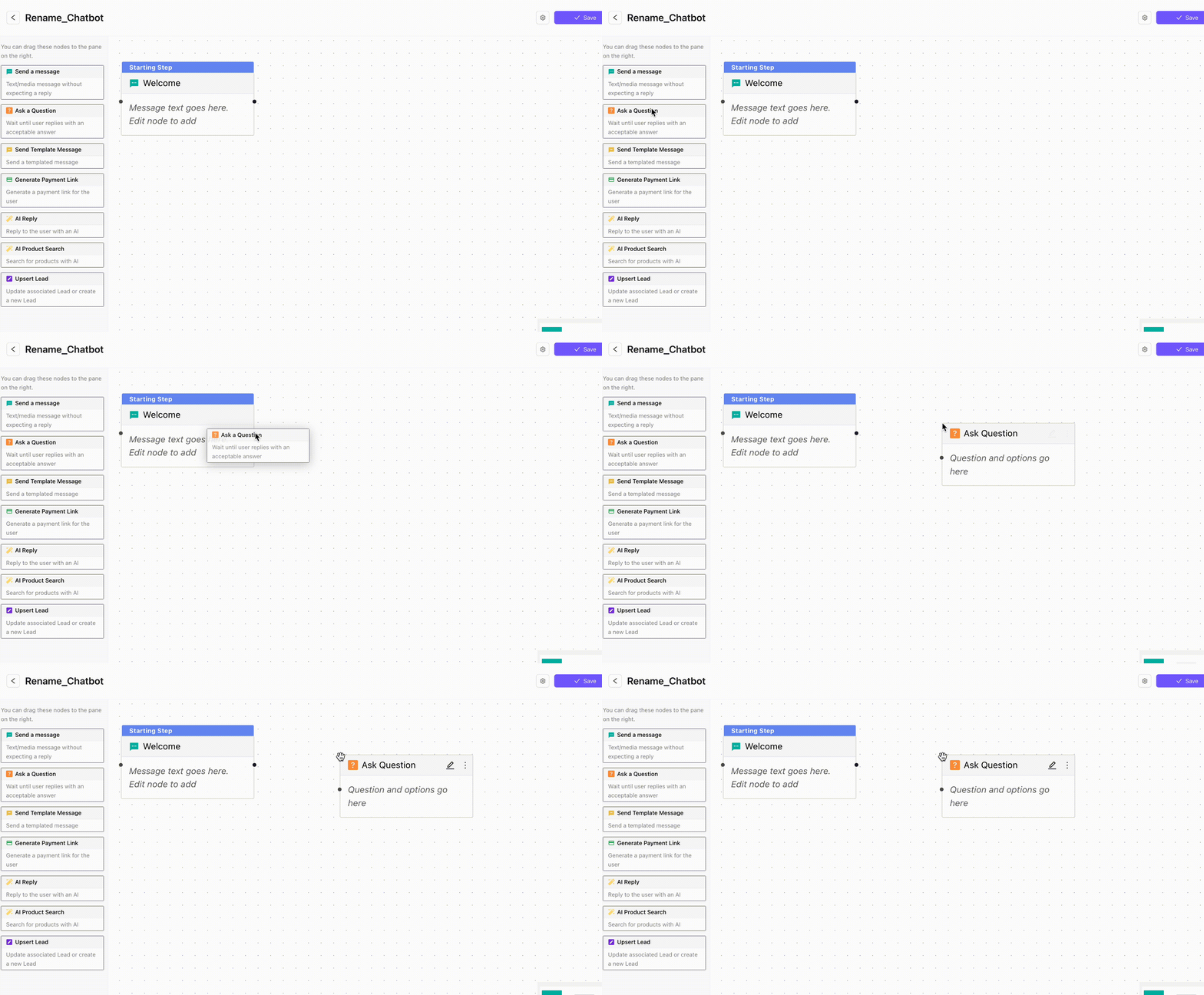
Drag the node and drop it in the builder canvas.
Edit Nodes
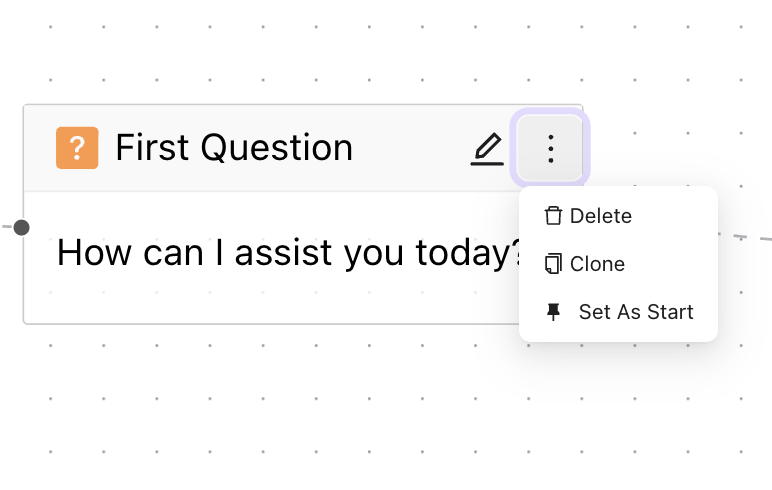
Setting a default Start node
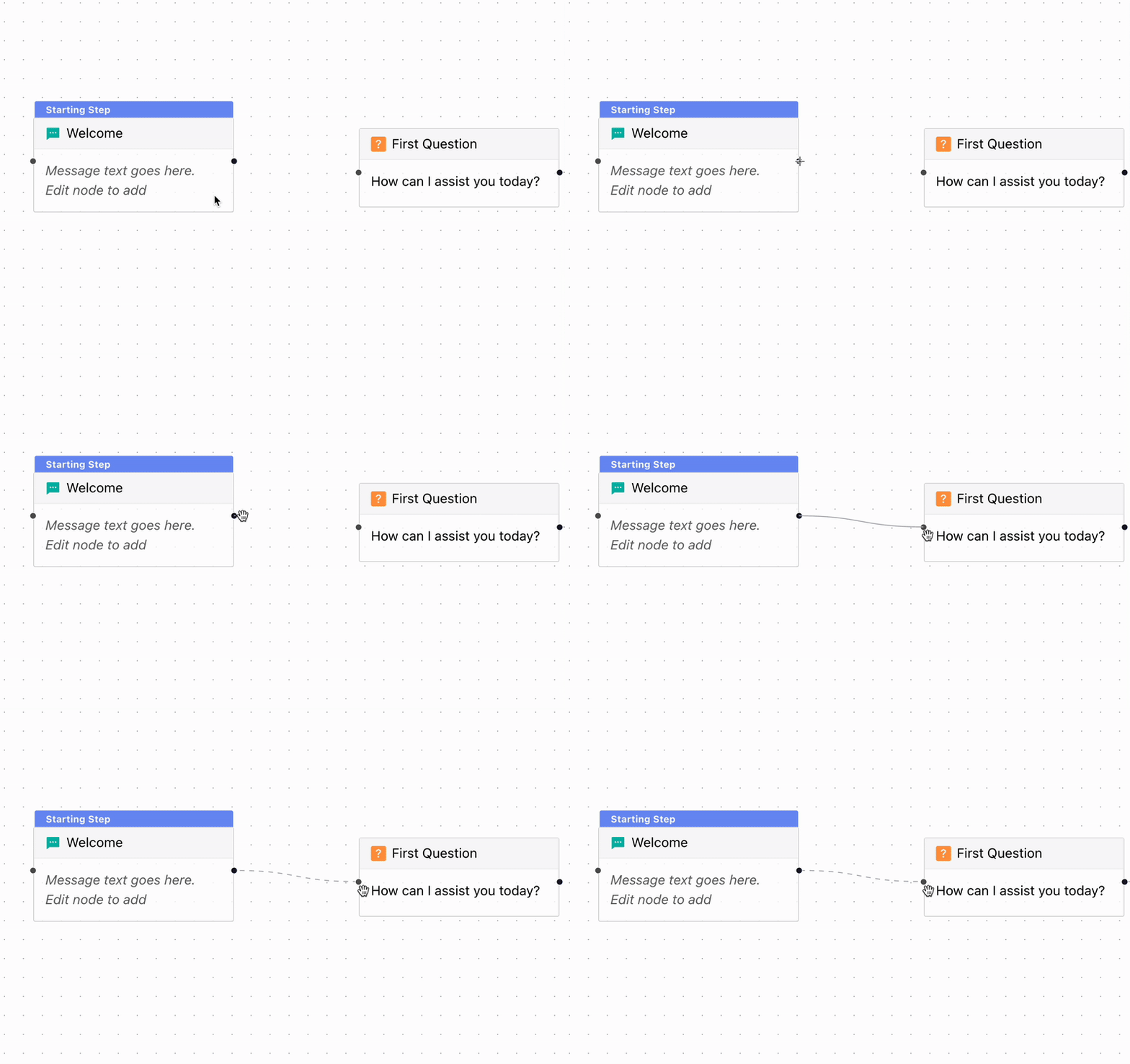
Add Connector
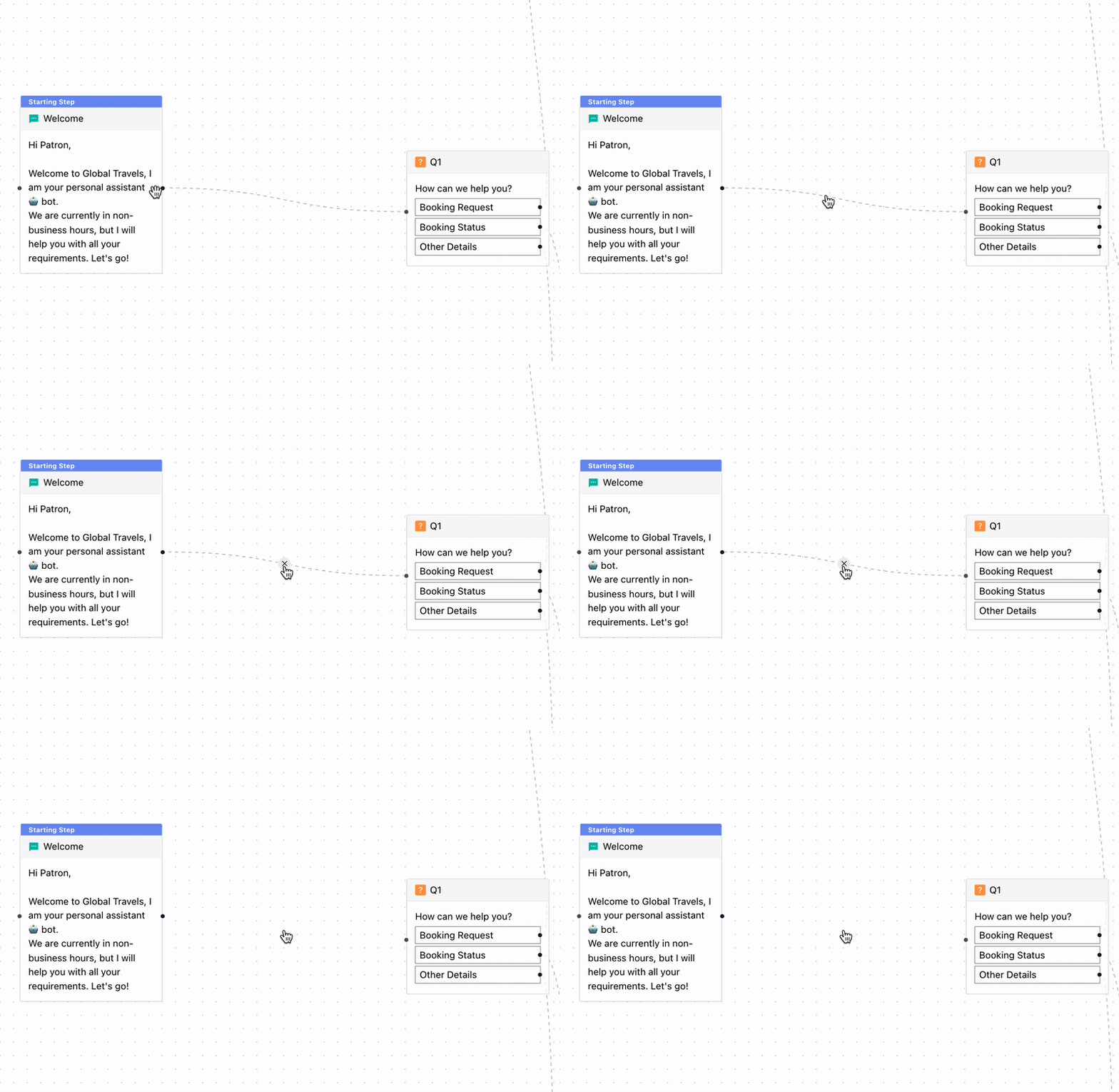
Remove Connector
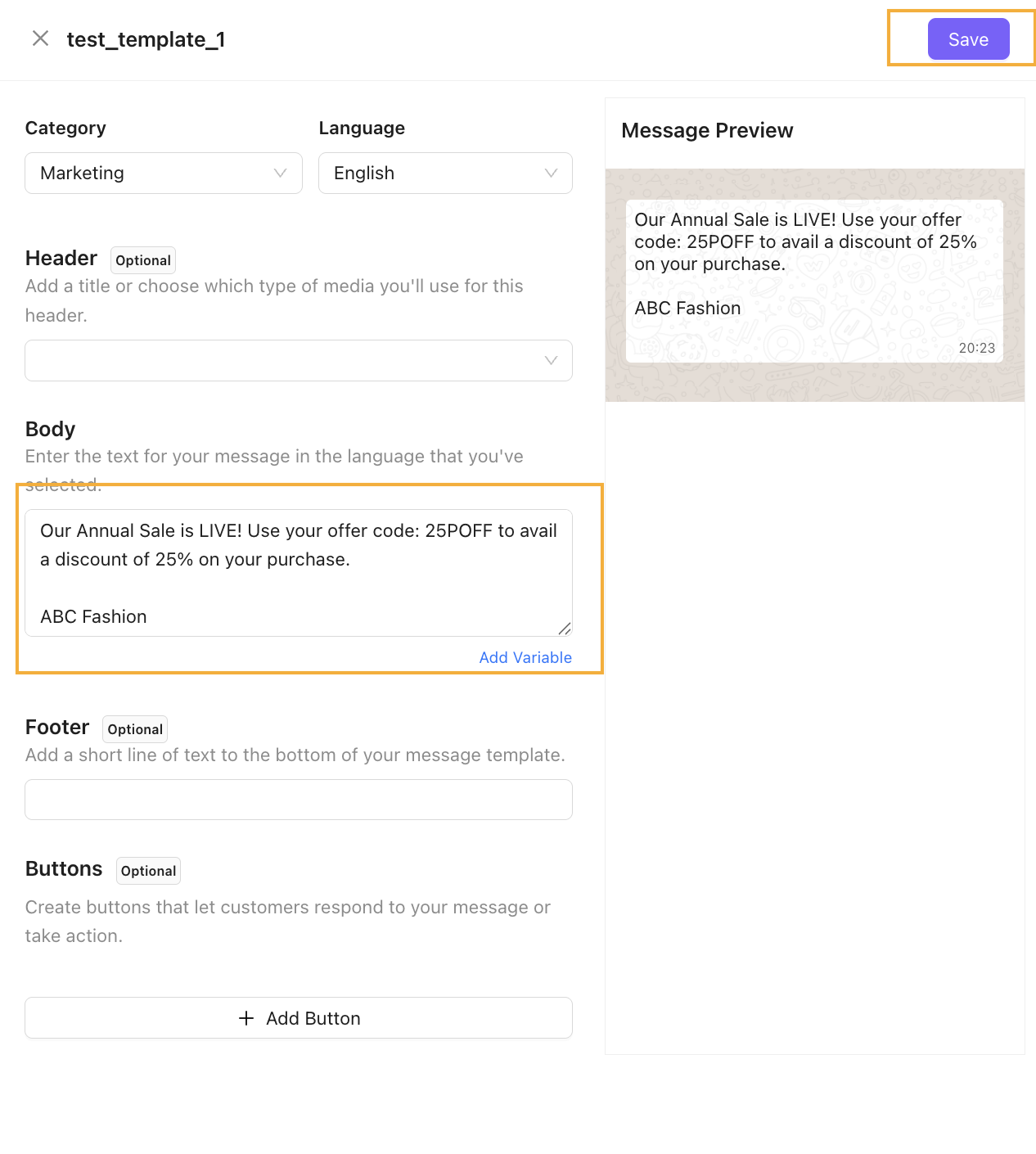
End & Restart Keywords
End chatbot keywords: Add keywords that a customer can enter to end a chatbot while the chatbot is active
Restart chatbot keywords: Add keywords that a customer can enter to restart a chatbot while the chatbot is active
 Chatbot Variables
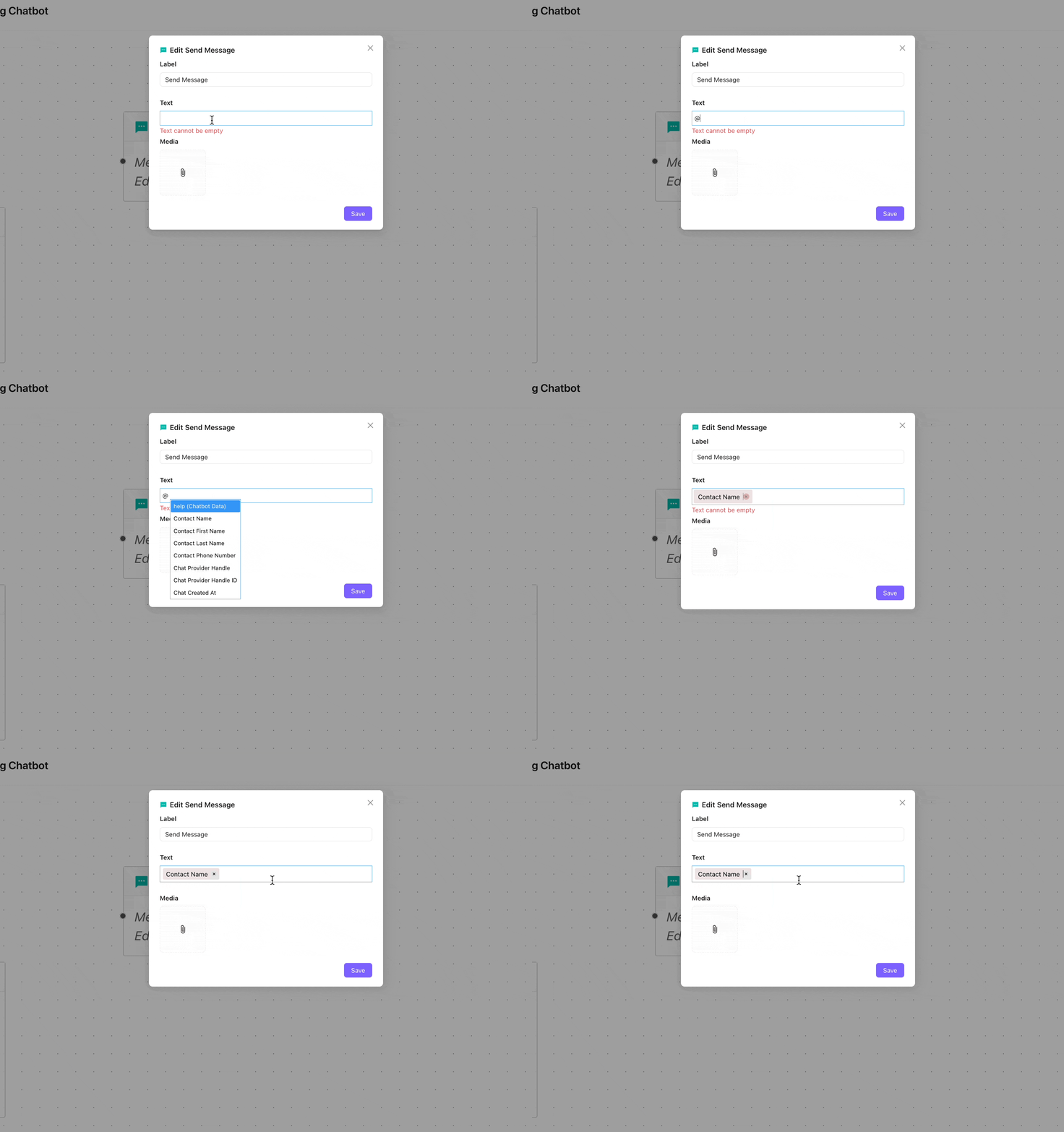
Add Variables in Message Text
Add variable in the chat message in chatbots using existing field
Contact Variable Fields
Type of contact variables in the chatbot message:
- Contact Name
- Contact First Name
- Contact Last Name
- Contact Phone Number: Contact Phone Number
- Chat Provider Handle: Contact Number for WhatsApp
- Chat Provider Handle ID: Id for Contact Handle
- Chat Created At: Time to chat creation
Saved Variable in Chatbot Responses
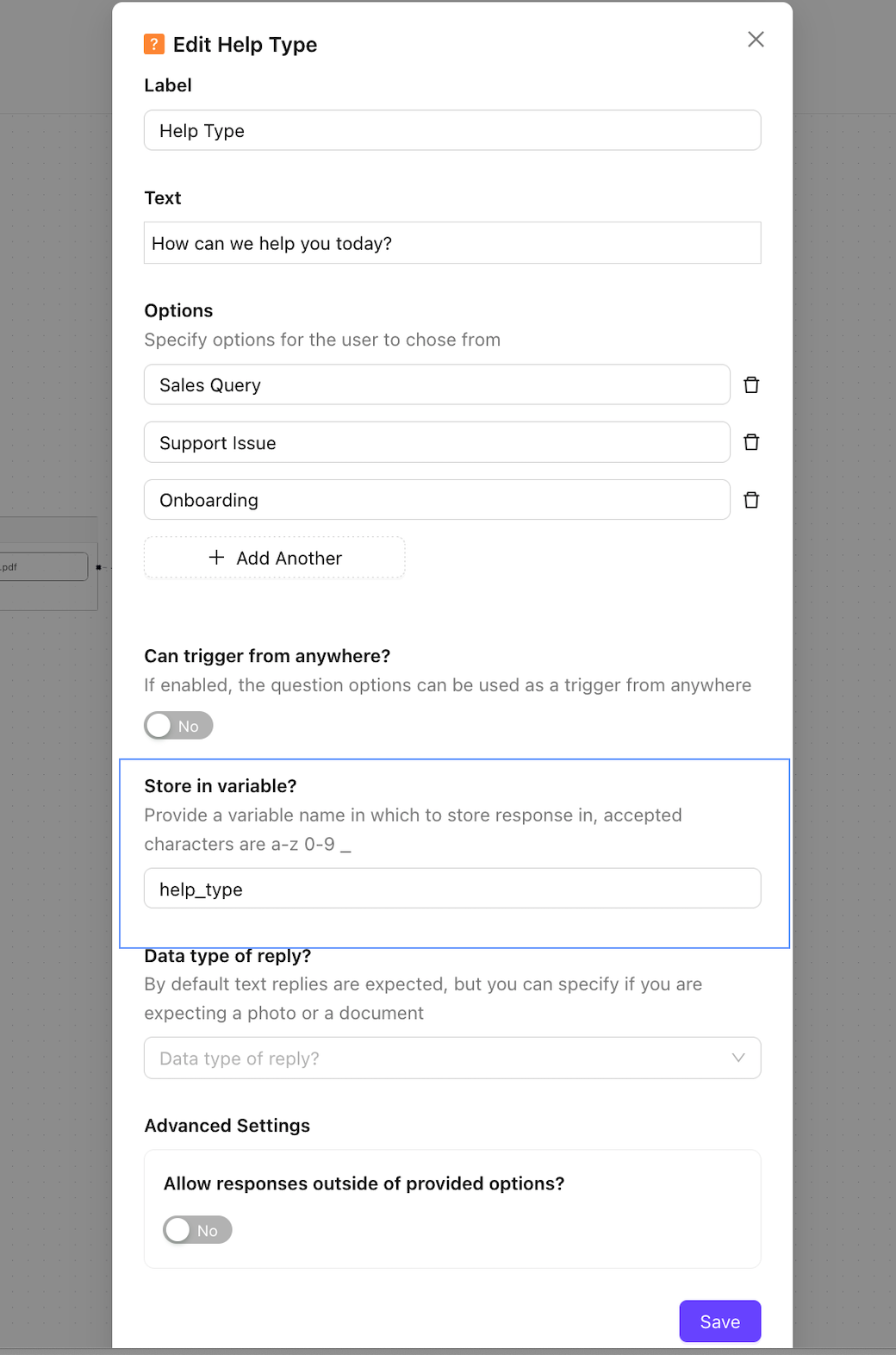
Save the chat responses in specific nodes (Question Node). Use the same chatbot response variables to insert in the susbsequent chat messages nodes.
- Add a variable name to save the chatbot response for the question node
- Save the Question node
Add Variable in Chatbot message
- Add
@followed by aspace - Use
Arrow Keys⬆⬇in the keyboard to scroll the list - Click
Enterfrom the keyword on the desired variable to insert the field