8. Test Chakra Features
Test Chakra All Chat features before getting started
Once your account setup is complete. You can quickly test to understand the working Chakra product features. Below is the a quick guide to test all the key features in Chakra.
Test Chatbot Feature
- Go to 👉 Chatbot Settings and click on **Use **in the Test Chatbot
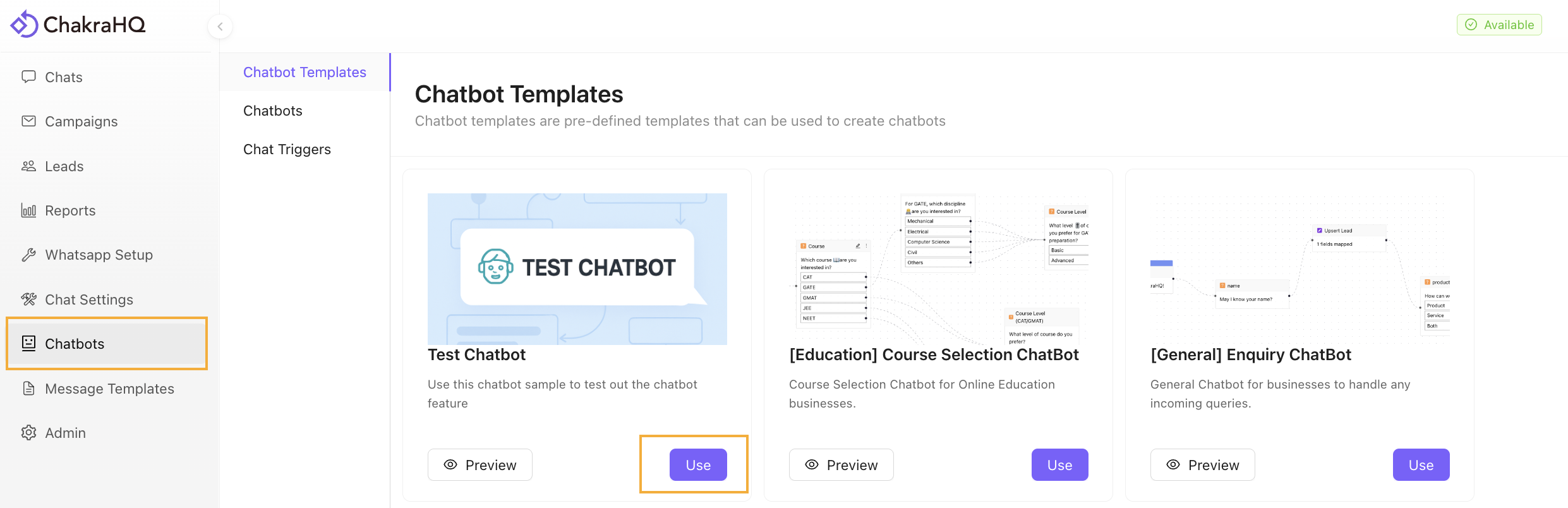
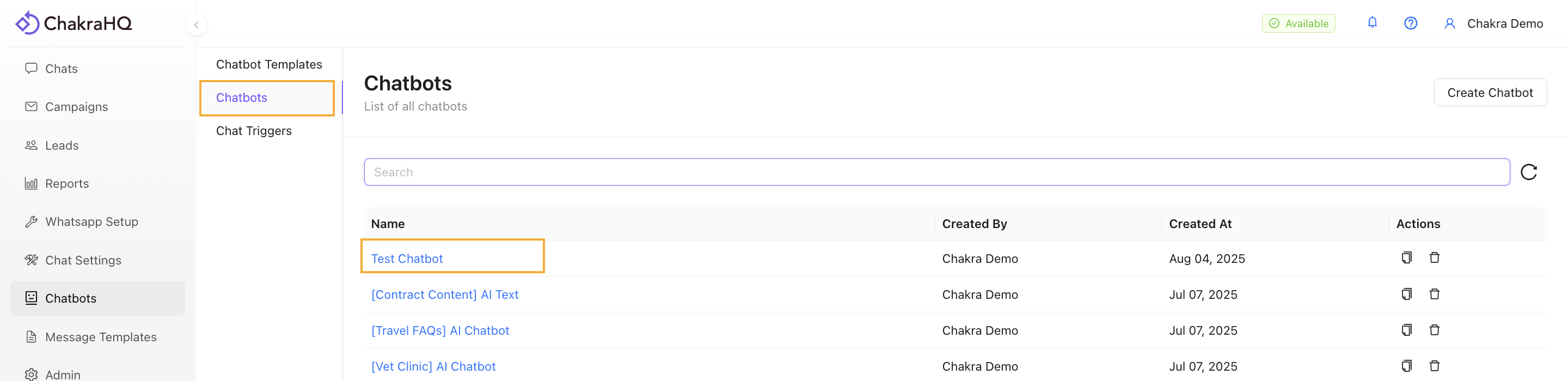
- Go to the Chatbots. The Test Chatbot has been added to your chatbot.
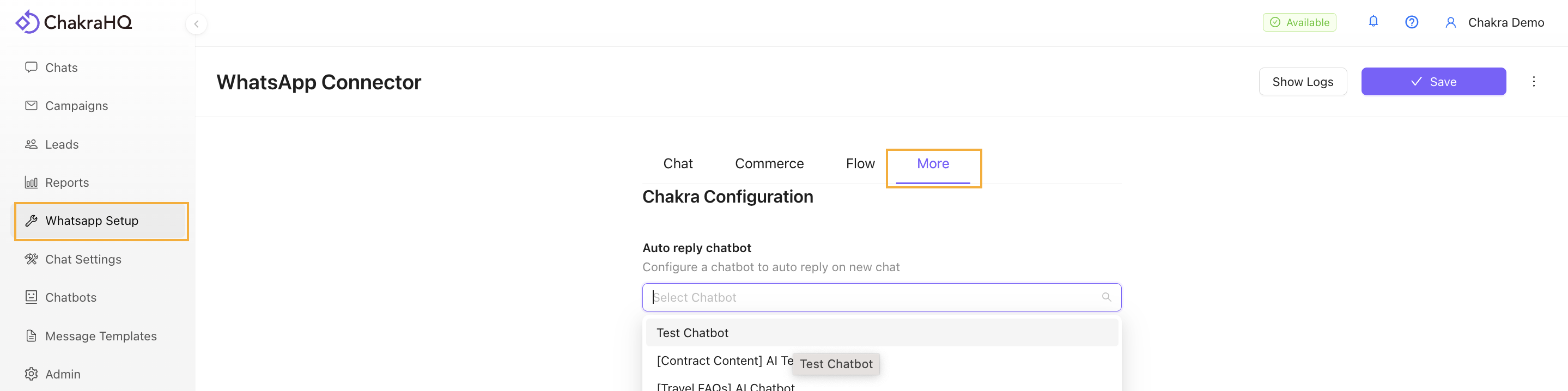
- Navigate to WhatsApp Setup. Go to the More tab and in the Auto reply chatbot field select the Test Chatbot from the dropdown and click on Save.
- Next, send a message to your connected WhatsApp Number in Chakra from your personal WhatsApp number. The Chatbot will be live in action.
Test Shared Chat Inbox Feature
Go to 👉 Chakra Chat Inbox
- Send a test message to the connected WhatsApp API number from your WhatsApp number
- Manage reply from Chakra Chat Inbox
- Open the Chakra Chat window and select the chat
- Reply to a test message.
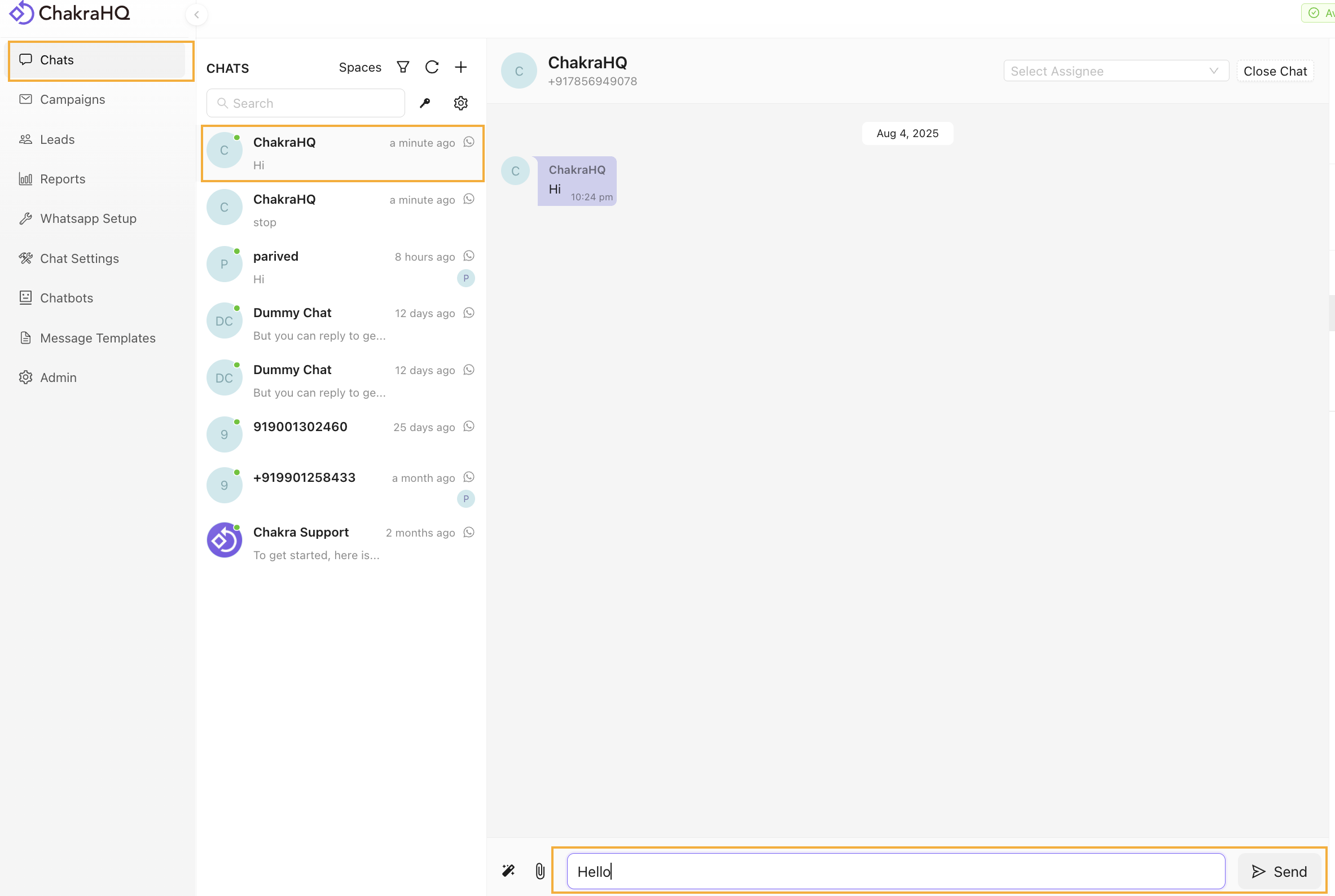
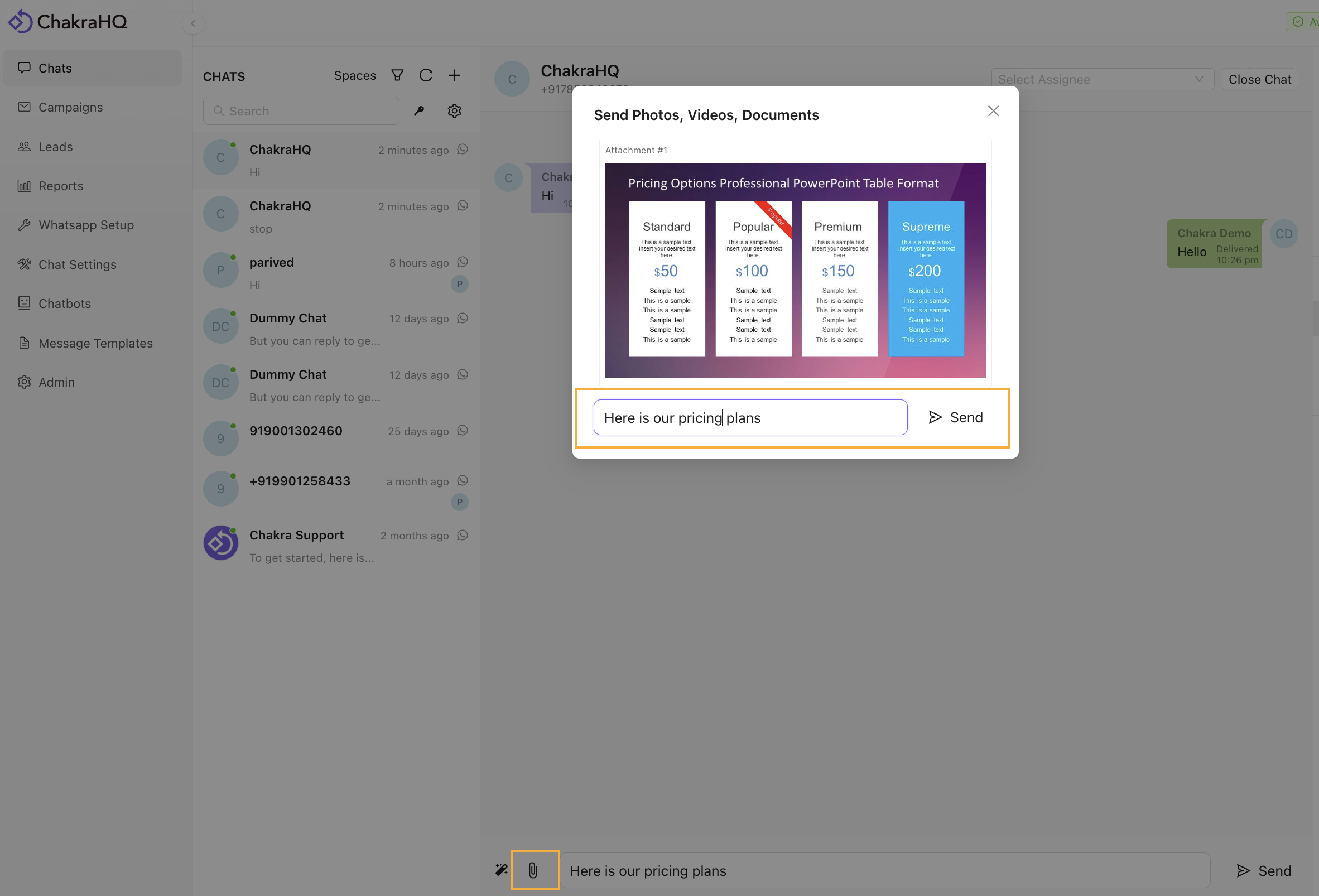
- Send an image attachment along with a text message.
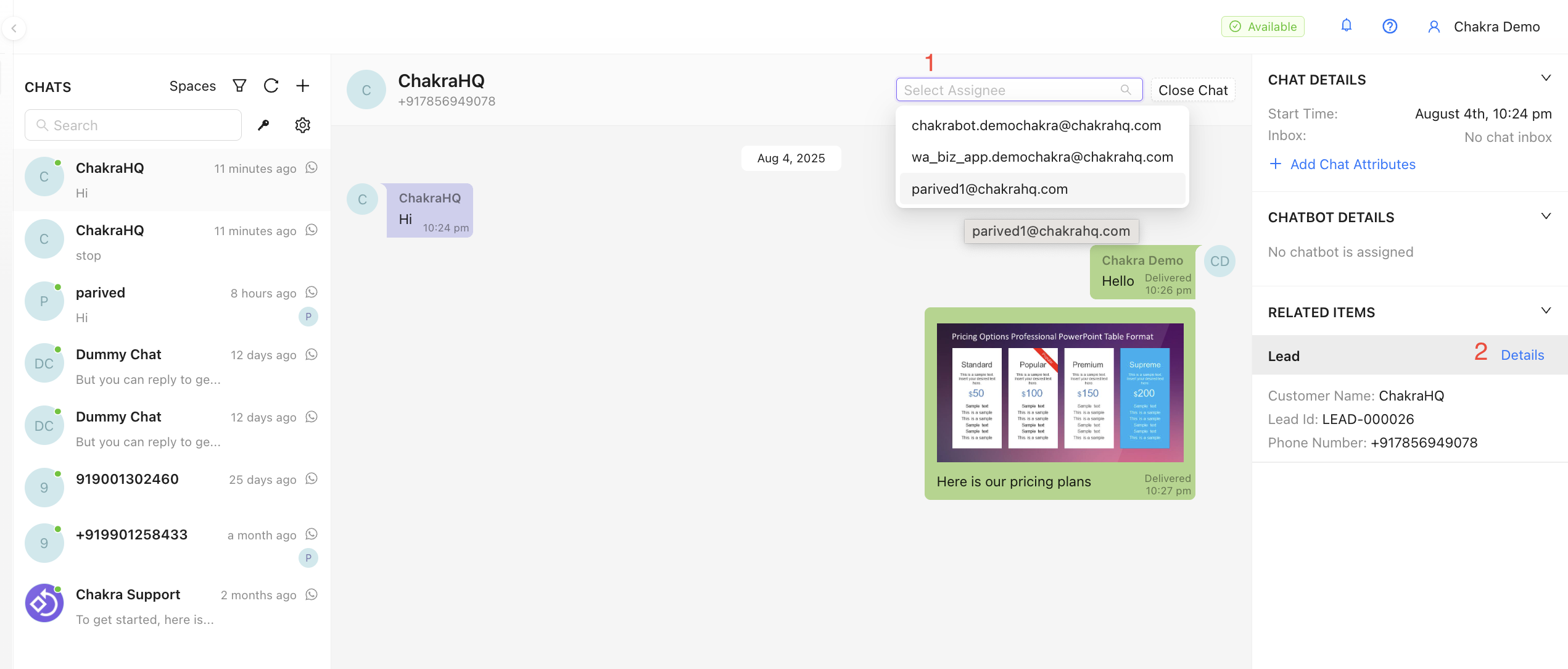
- Explore other features:
- Assign Chat to a User
- Navigate Lead from Chat
Test Incoming Messages
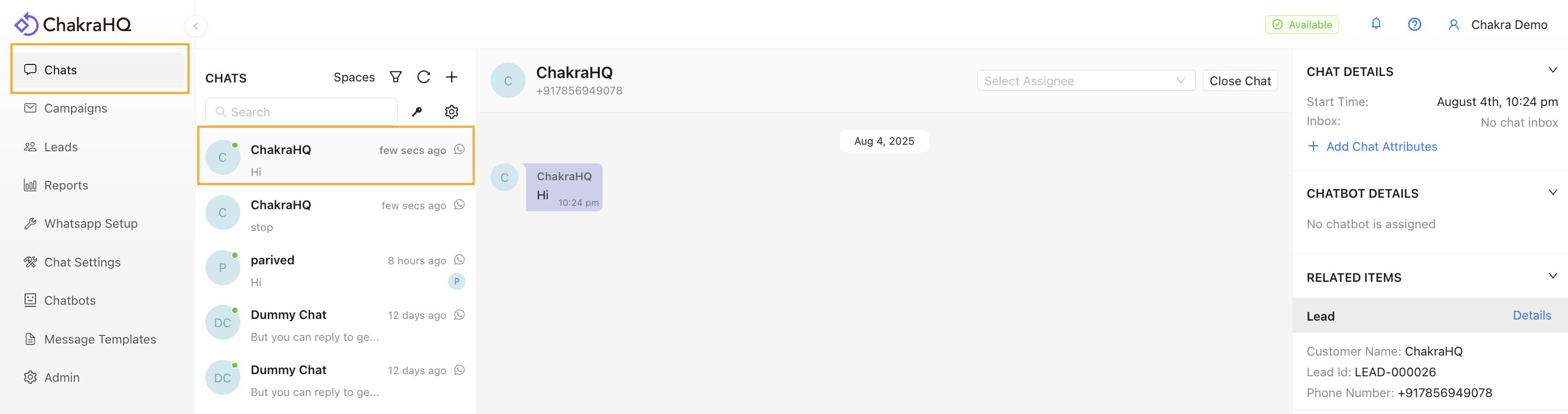
Go to 👉 Chakra Chat Inbox
- From your WhatsApp personal app: Send a message to the connected WhatsApp Business API Number.
- Open the incoming chat in Chakra Chat to view the message. You get a pop-up sound and a browser notification for a new message.
Start Here 👉 Create Message Template
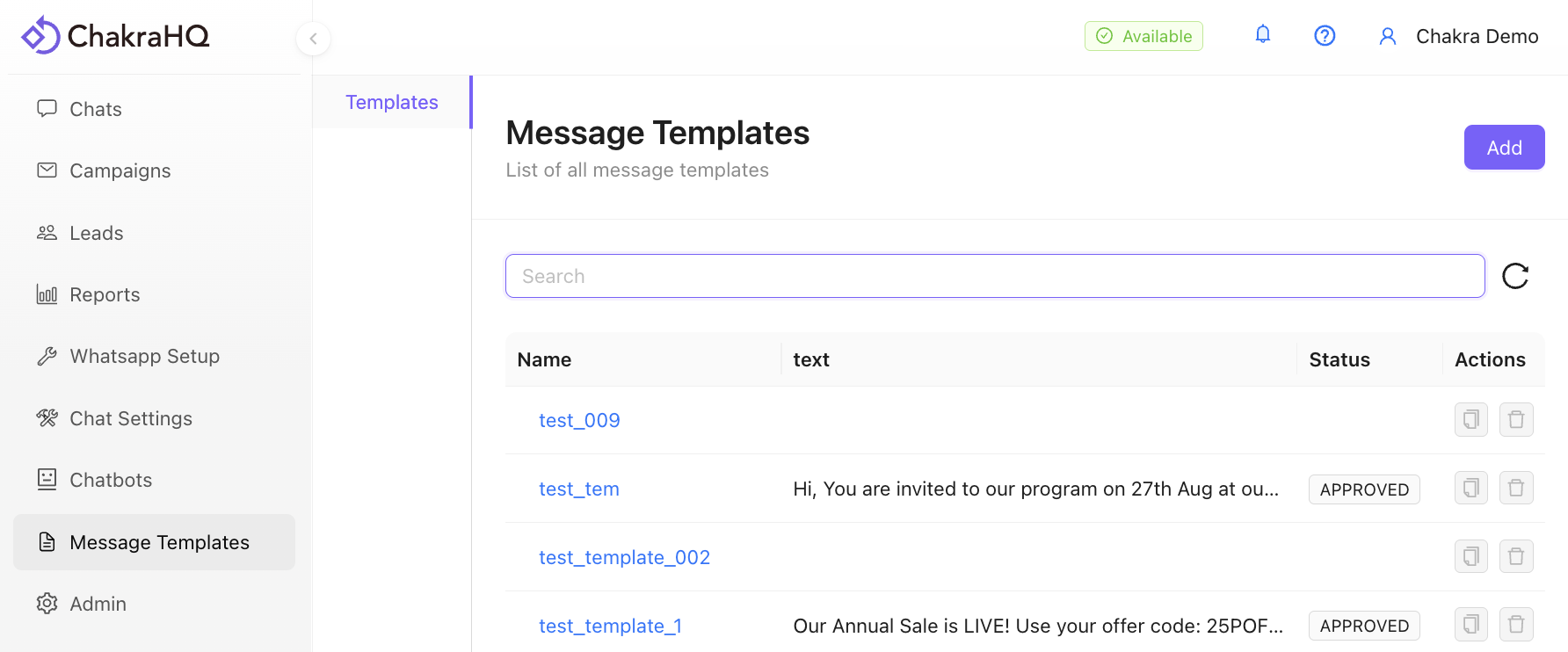
Test WhatsApp Template Message
- Click Add
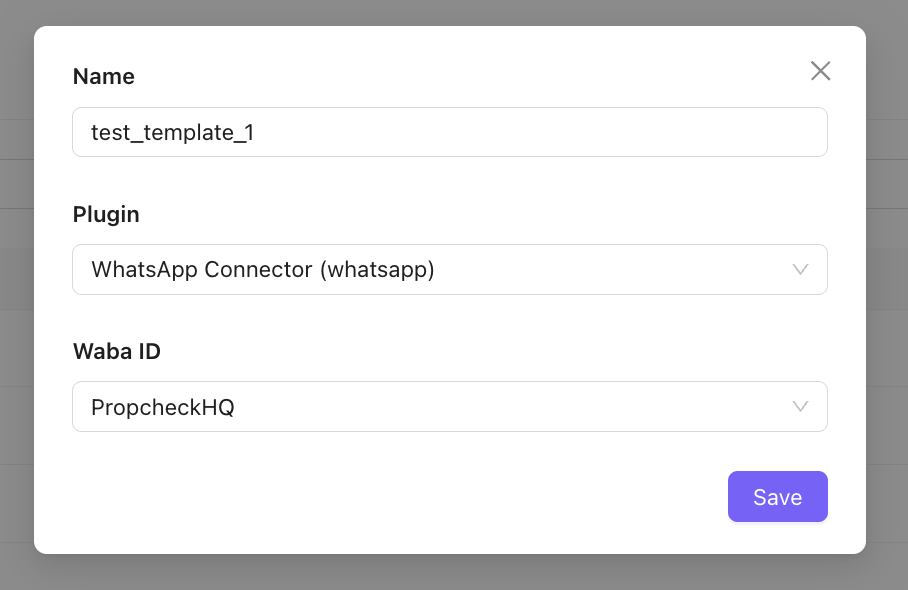
- Name the template and click Save
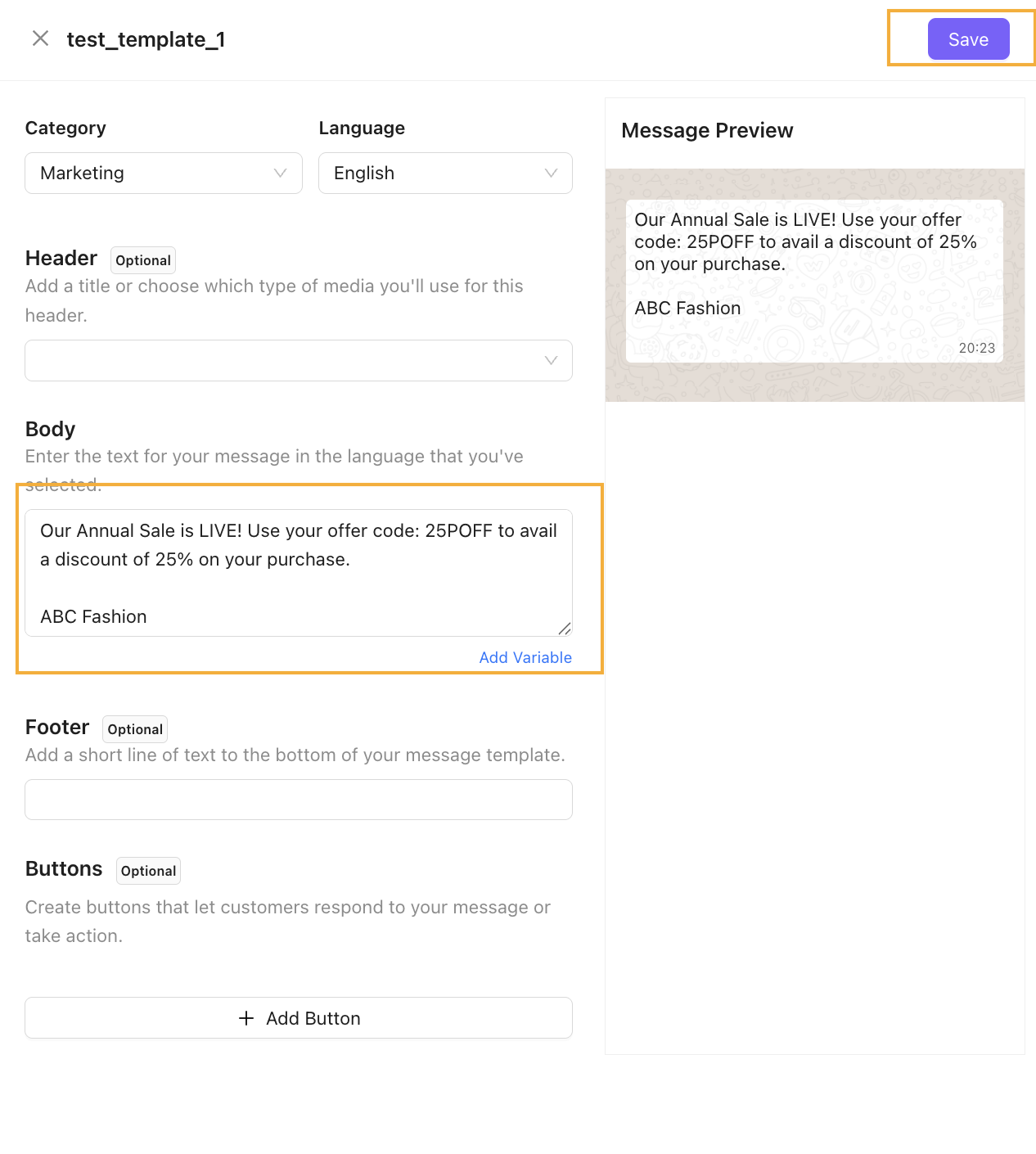
- Add Template Details:
- Add Marketing in the Category and English/ preferred language in the Language field.
- Add a short template message body or use this template sample below. Then Click Save
Our Annual Sale is LIVE! Use your offer code: OFFER25P to avail a discount of 25% on your purchase.
*
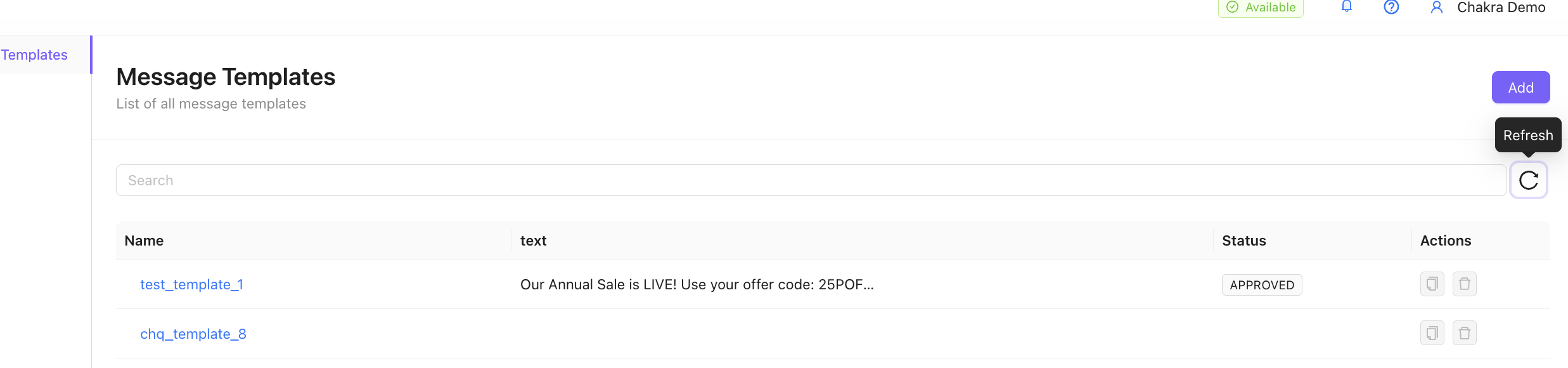
- Refresh to check template approval status, generally approved in under 2 minutes.
Test a Broadcast Campaign
Start here 👉 Chakra Chat
- Go to **Campaigns, **then click on **New Broadcast**
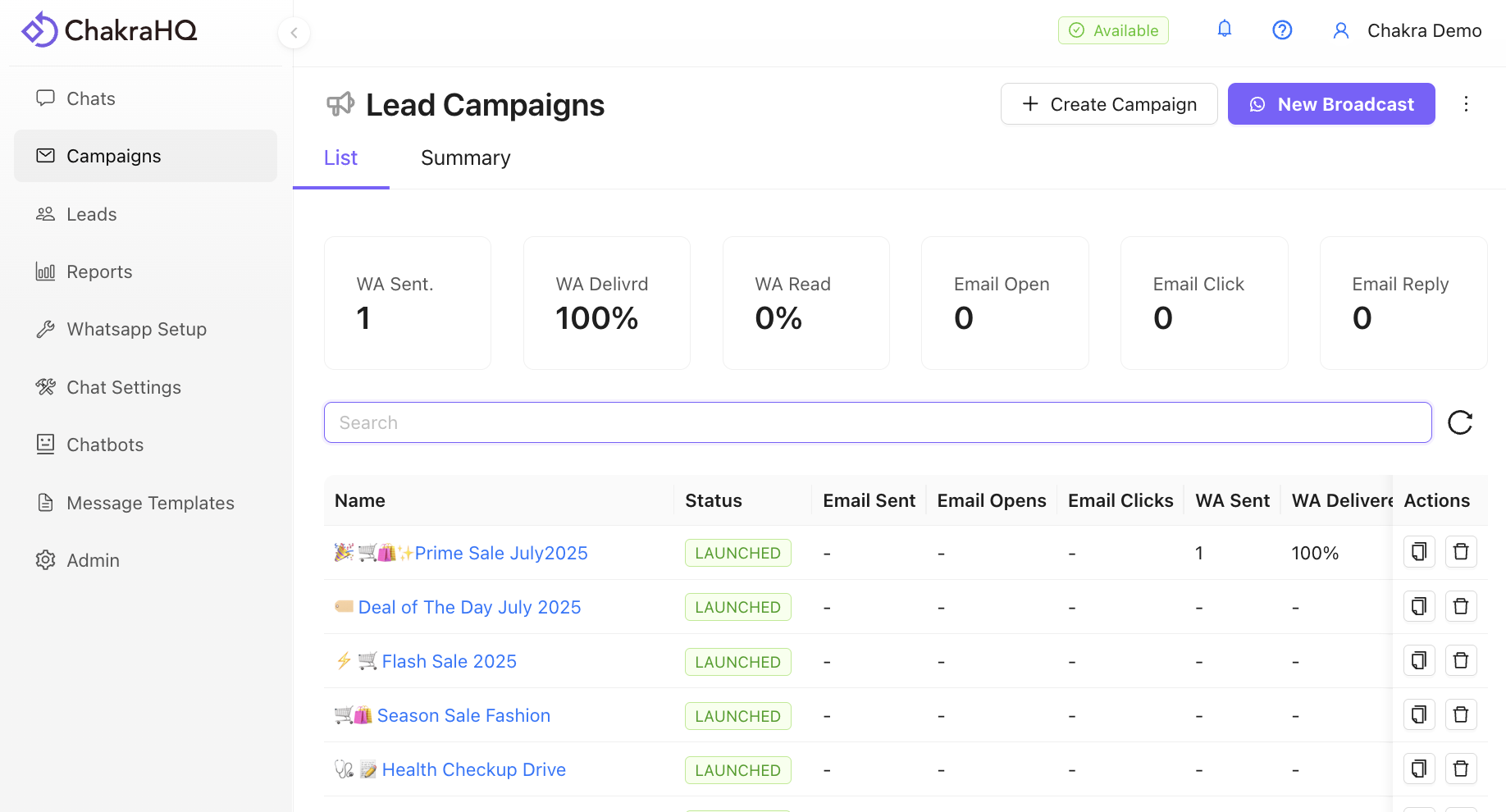
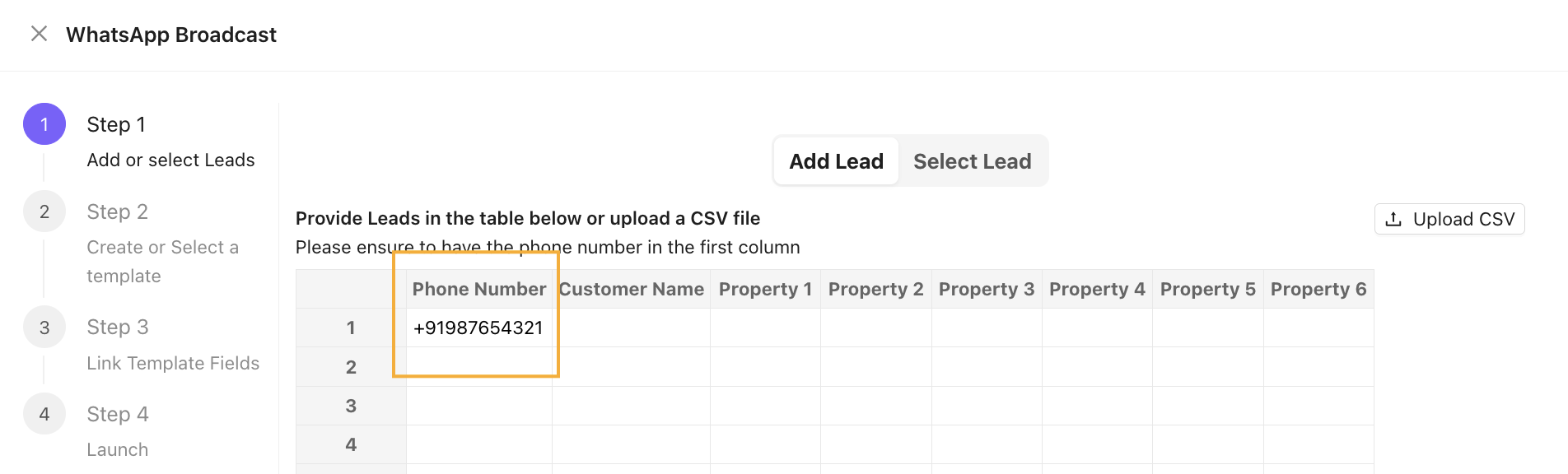
- Enter a test phone number in the phone number column in the Add Lead table, then click Next.
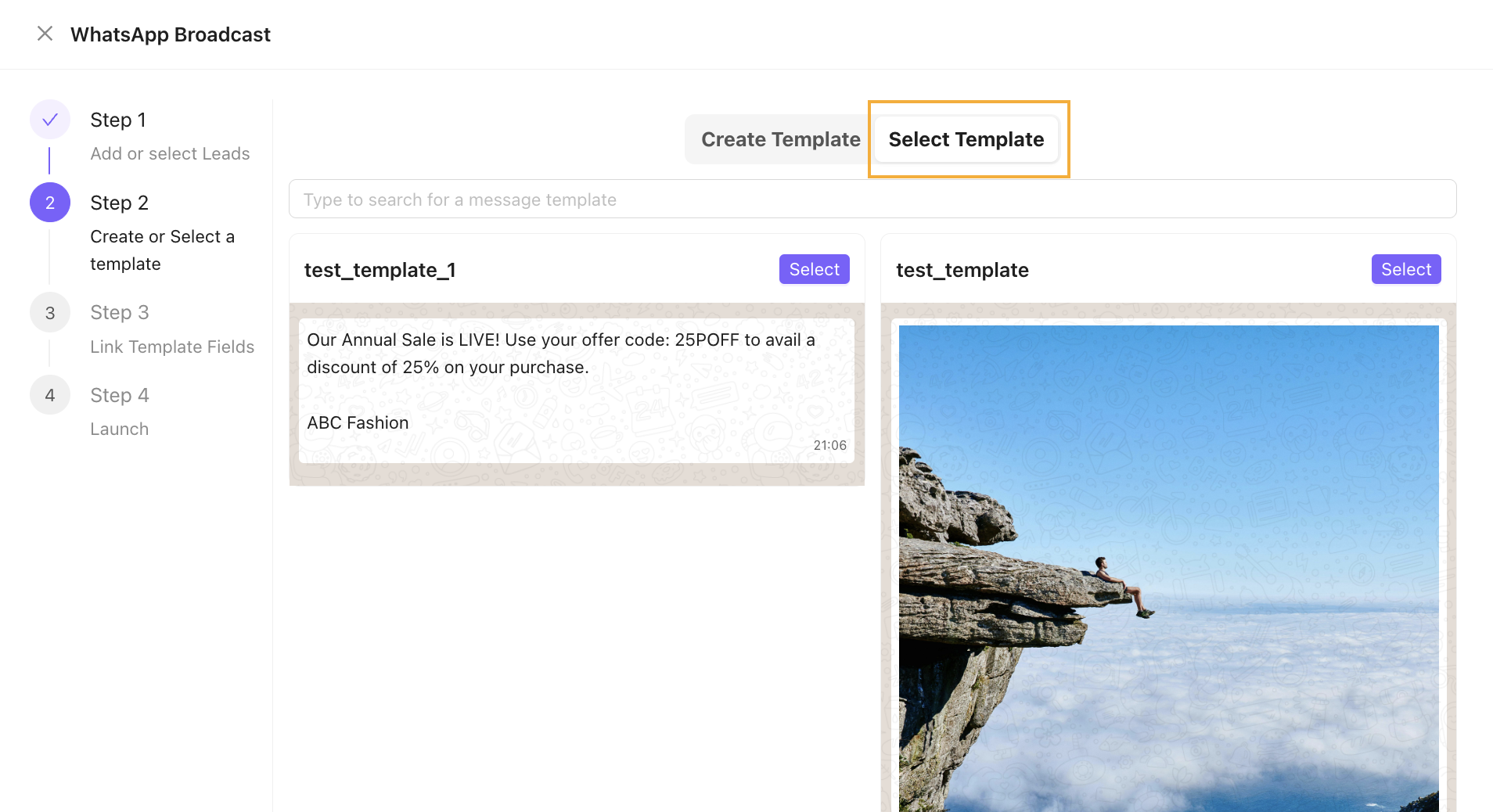
- Choose an existing template
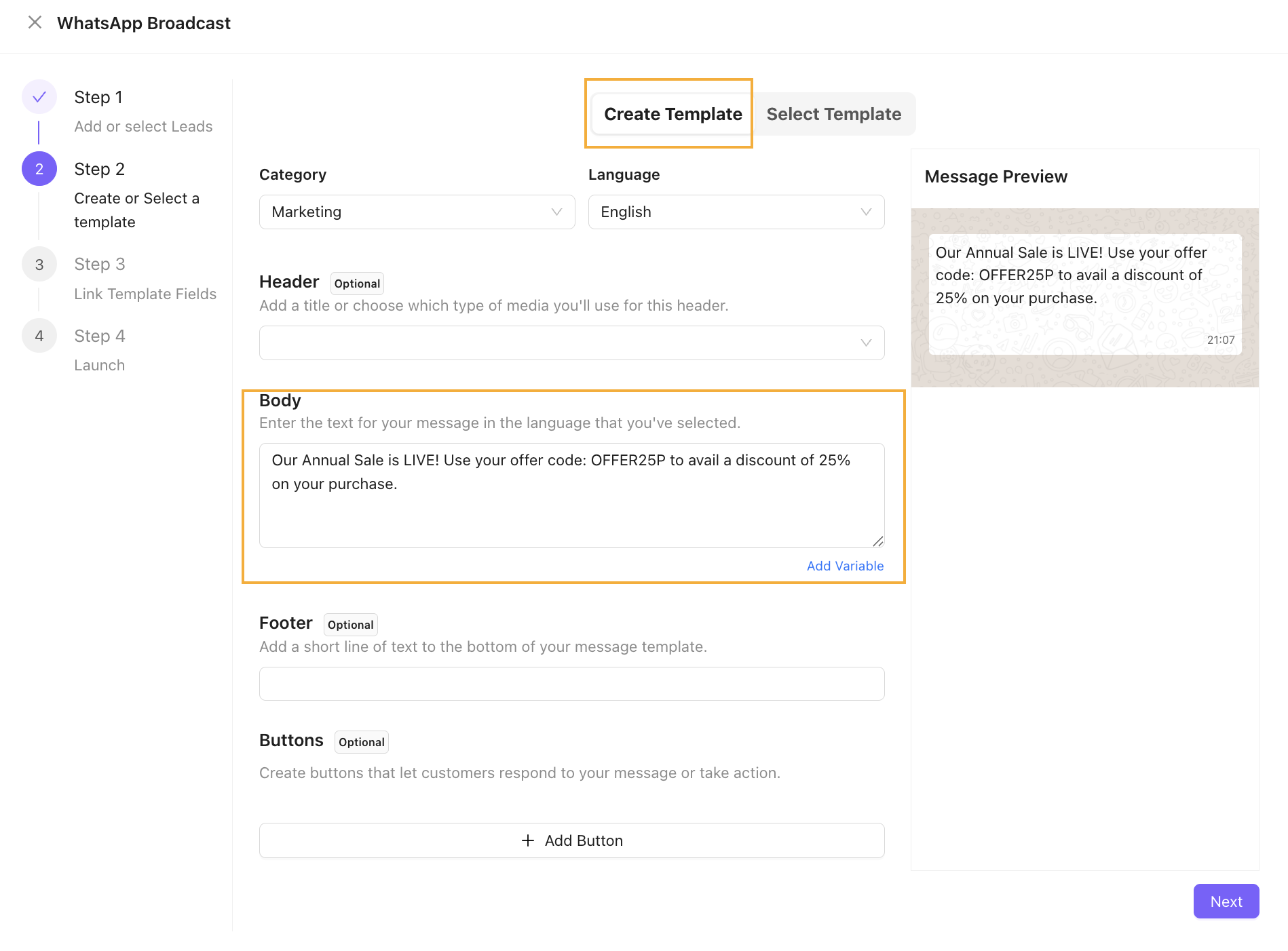
OR
Create a new template by adding a message body. Click Next.
Sample message copy 👉 * Our Annual Sale is LIVE! Use your offer code: OFFER25P to avail a discount of 25% on your purchase.
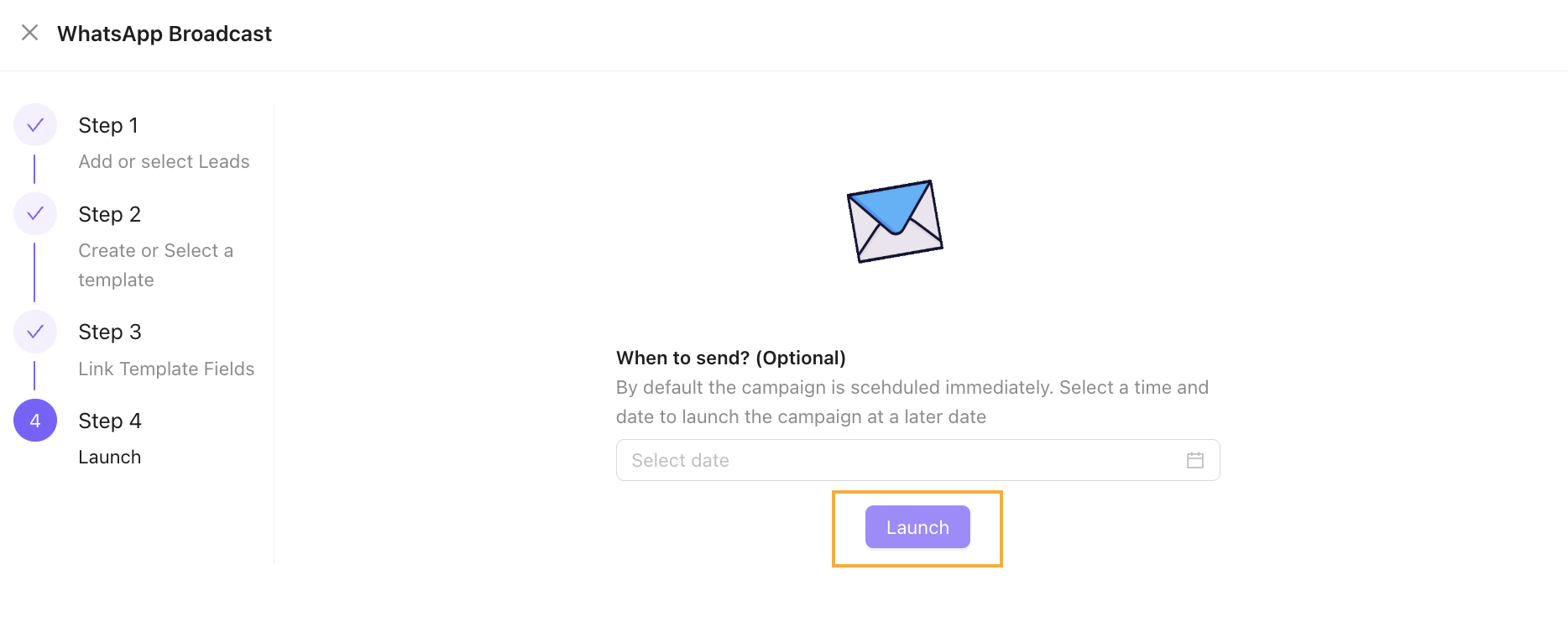
- Click on Launch. The campaign is now launched.