

Setup WhatsApp Chat widget
You can easily add a WhatsApp chat widget to your website or landing page using Chakra's embed widget. Choose between a popup-style widget or a direct chat button — both are simple to set up and customize.
Option 1: Widget with Pop-Up
This version displays a small popup CTA before redirecting the visitor to WhatsApp. Great for engaging users without being intrusive.
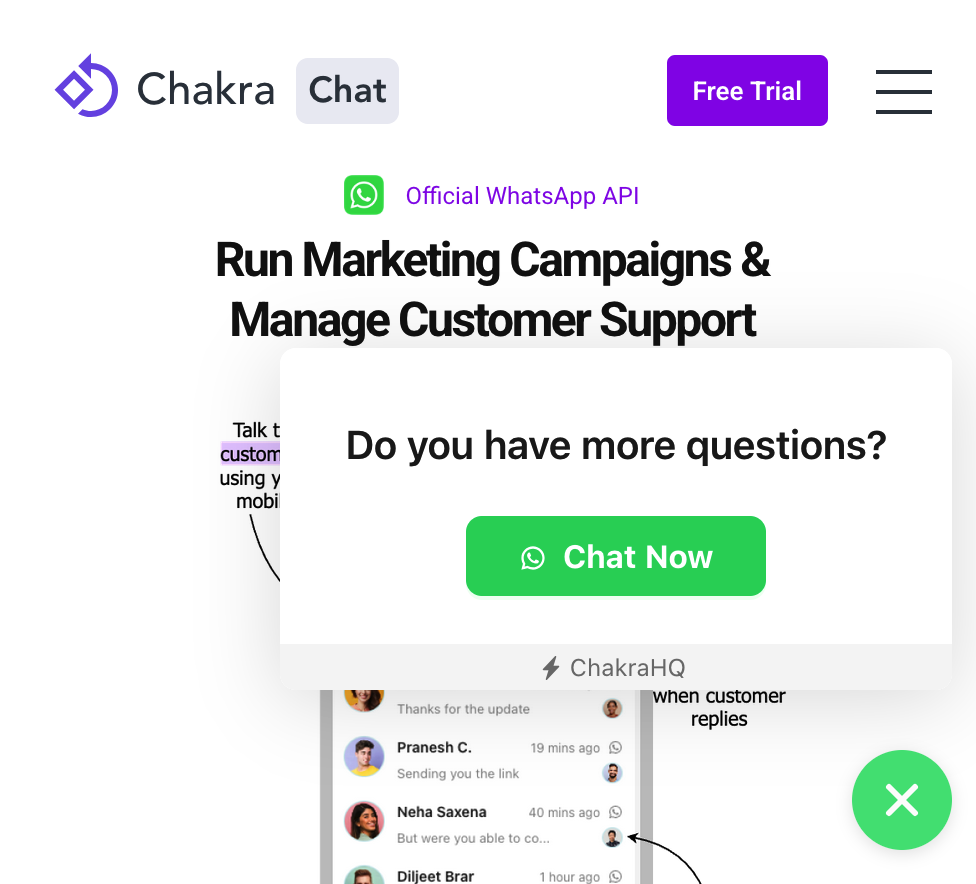
Where to add?
Paste the following script at the end of your website or landing page (before the closing </body> tag).
You will need your Team short Id which can be found from Team Settings page when you click your username from the top right corner of the webapp.
Customization Options:
phoneNumber📞 – Your business's WhatsApp numberwelcomeText👋 – Text shown in the popupcustomerMessage💬 – Prefilled message in WhatsApp chat boxctaText🔘 – Text on the popup buttonbrandName🏷️ – Optional brand namebrandIconUrl🖼️ – Optional brand icon URLprimaryColor🎨 – Color of the WhatsApp icon
<script> window.ChakraChatWidgetSettings = { teamId: 'your-team-short-id', widgetType: 'whatsapp', chatLauncherConfig: { // primaryColor: '#13c2c2', }, whatsappWidget: { phoneNumber: '+91**01258455', theme: 'classic', classic: { welcomeText: 'Do you have more questions?', // brandName: 'ChakraHQ', // optional // brandIconUrl: 'https://s3.ap-south-1.amazonaws.com/static-data.chakrahq.com/assets/images/chakra-icon-with-bg/icon-48x48.png', // optional customerMessage: 'Tell me more', ctaText: 'Chat Now' } } };</script><script type="text/javascript" async defer src="https://embed.chakrahq.com/chat/v1/widget.js"></script>
Option 2: Widget Without Pop-Up
This version creates a floating WhatsApp button that directly opens a WhatsApp chat — perfect for minimalist UI.
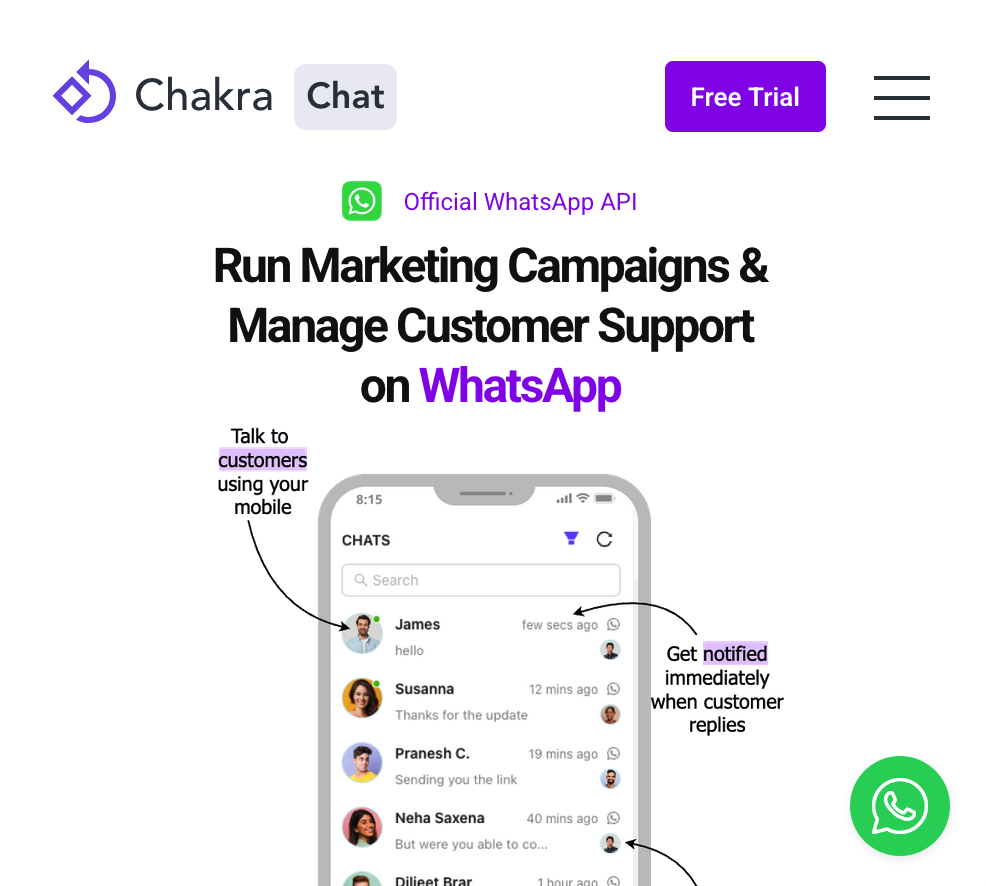
Where to add?
Place the script at the bottom of your page, just before the closing </body> tag.
Customization Options
- phoneNumber 📞 – Your business's WhatsApp number
- customerMessage 💬 – Pre-filled WhatsApp message
- primaryColor 🎨 – WhatsApp icon colour
<script> window.ChakraChatWidgetSettings = { teamId: 'your-team-short-id', widgetType: 'whatsapp', chatLauncherConfig: { // primaryColor: '#13c2c2', }, whatsappWidget: { phoneNumber: '9901258433', theme: 'buttonOnly', buttonOnly: { customerMessage: 'Tell me more' }, } };</script><script type="text/javascript" async defer src="https://embed.chakrahq.com/chat/v1/widget.js"></script>Setup Website Chat Widget
Along with WhatsApp, Chakra also enables you to create a Website Live Chat Widget - allowing your customers to chat with you directly from your website or landing page. All chats (website + WhatsApp) appear in the same chat inbox for easy management. This guide details wow to setup a website chat widget
APIs & Webhooks
Build custom solution using Chakra robust APIs