Exotel WebRTC Guide (For Users)
This is a guide for users who want to use exotel webrtc to use the exotel webrtc plugin to make calls.
Configure Exotel WebRTC as your dialer
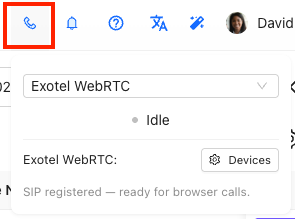
- Click the telephony button from the top navbar
- A modal will open up
- Select the Exotel WebRTC plugin from the dialer list
- After selecting the plugin, your exotel user should login automatically and show a success message
- If you do not see a success message, please ask your admin to ensure that an exotel user has been created for you
Initiate an outbound call
Click on the dial button in the lead detail page to start a new outbound call

Disconnect a call
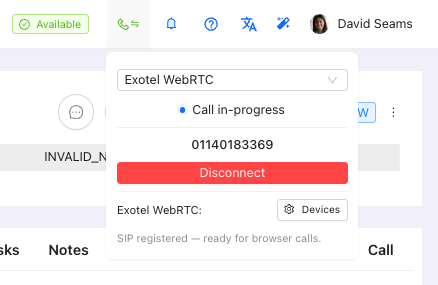
You can disconnect an outgoing call by clicking the telephony button from the top navbar. This will open the dialer menu and show a "Disconnect" button. Click the disconnect button.