AI Agent & SettingsAI Setup
Configure AI Model Settings
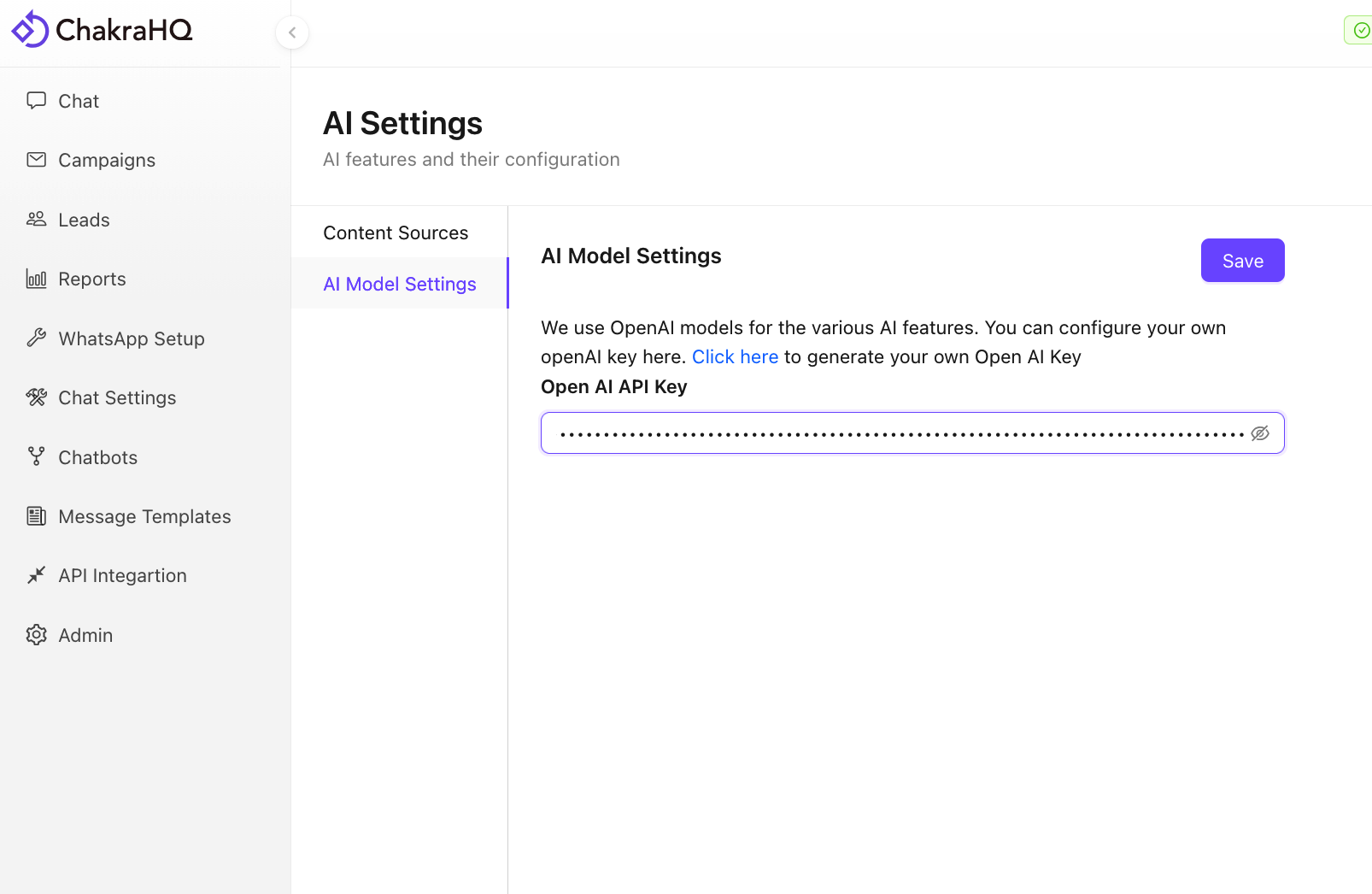
Steps to configure AI Model setting in Chakra Chat
Steps to configure OpenAI Model Setting in Chakra Chat
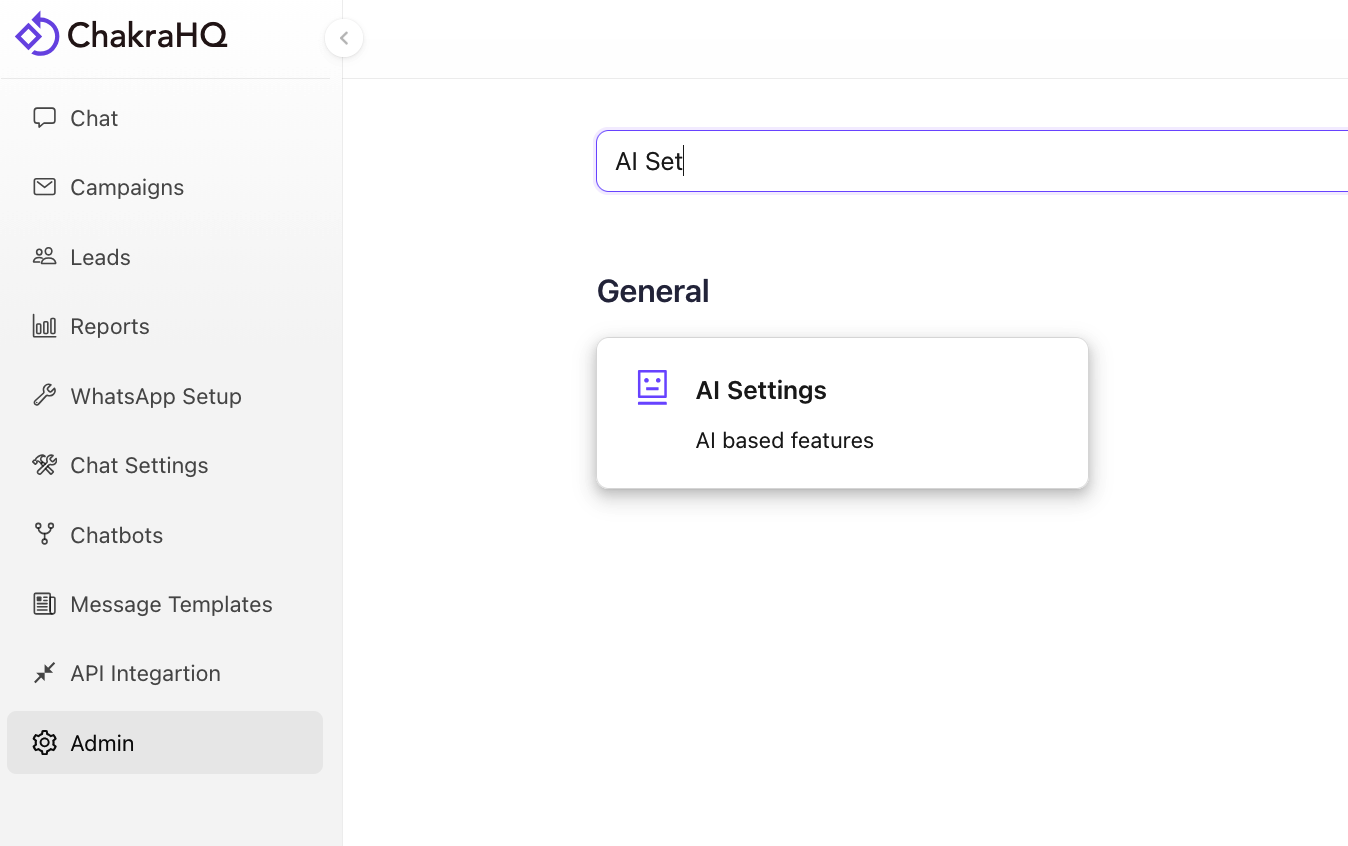
Go to AI Settings
Click on Admin on the left-hand sidebar and then search for AI Settings. Click on AI Settings.
Ai Model Settings
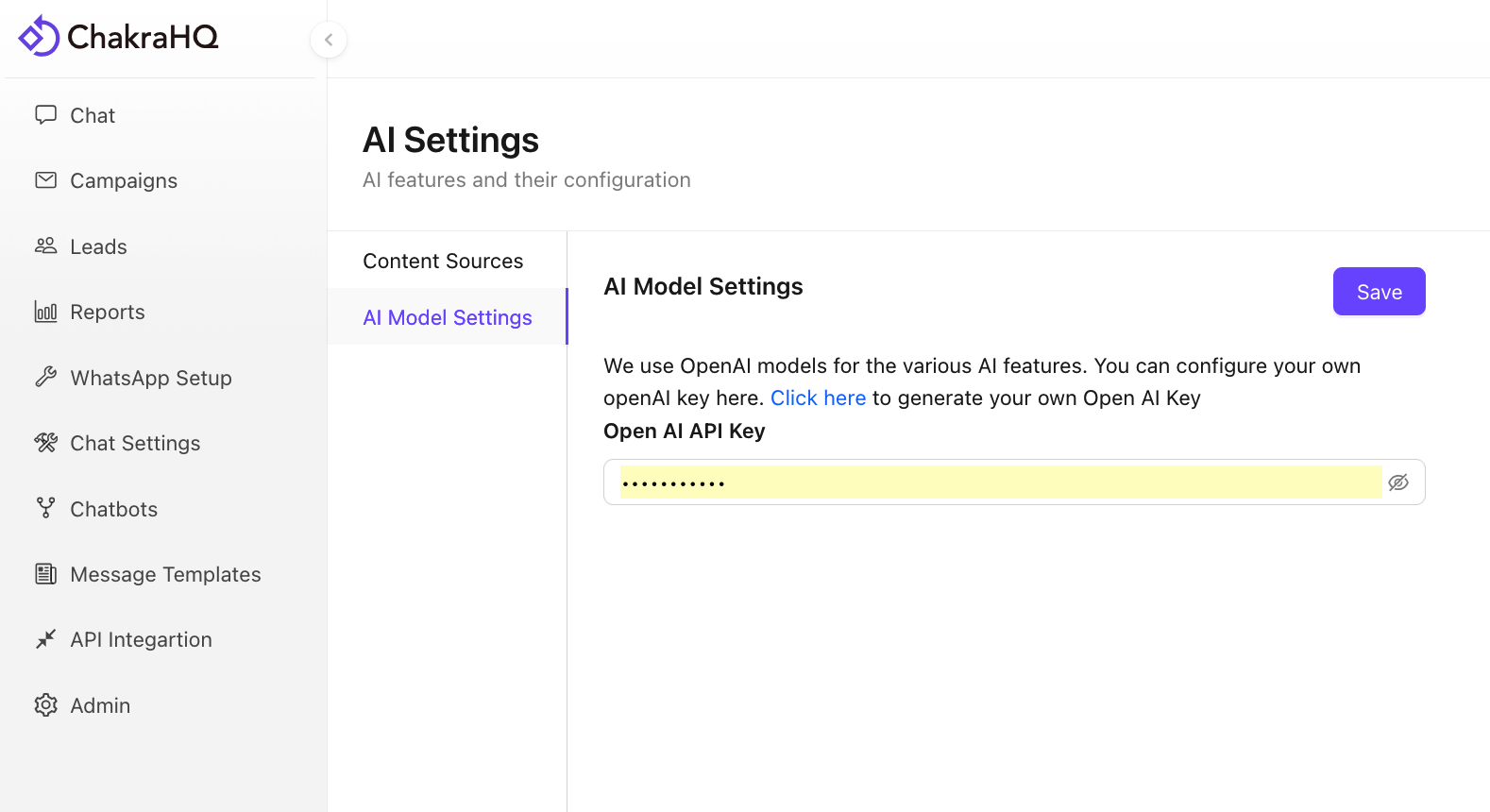
Go to AI model settings tab
Create OpenAI Keys
- Use the Click Here link to access the OpenAI keys
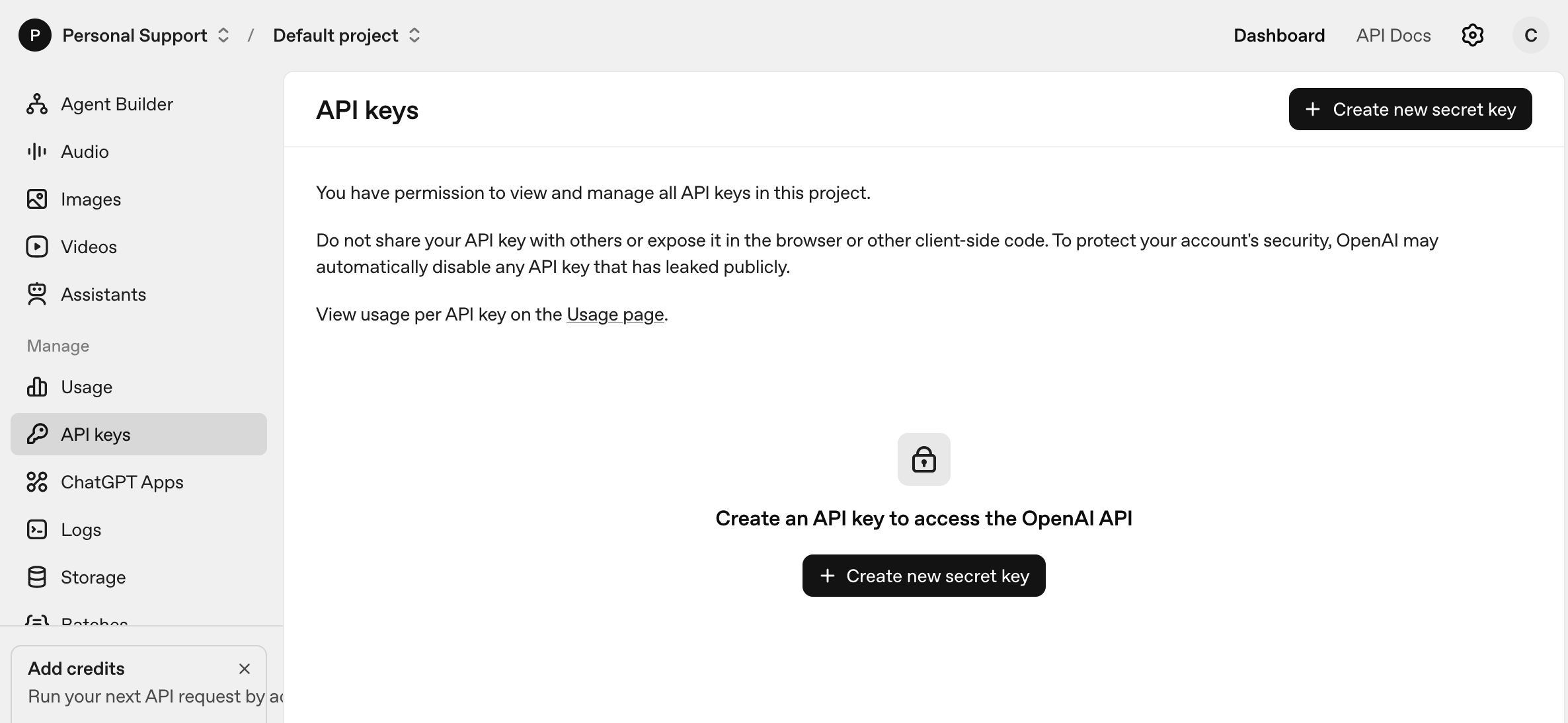
- Click on New Create Secret Key
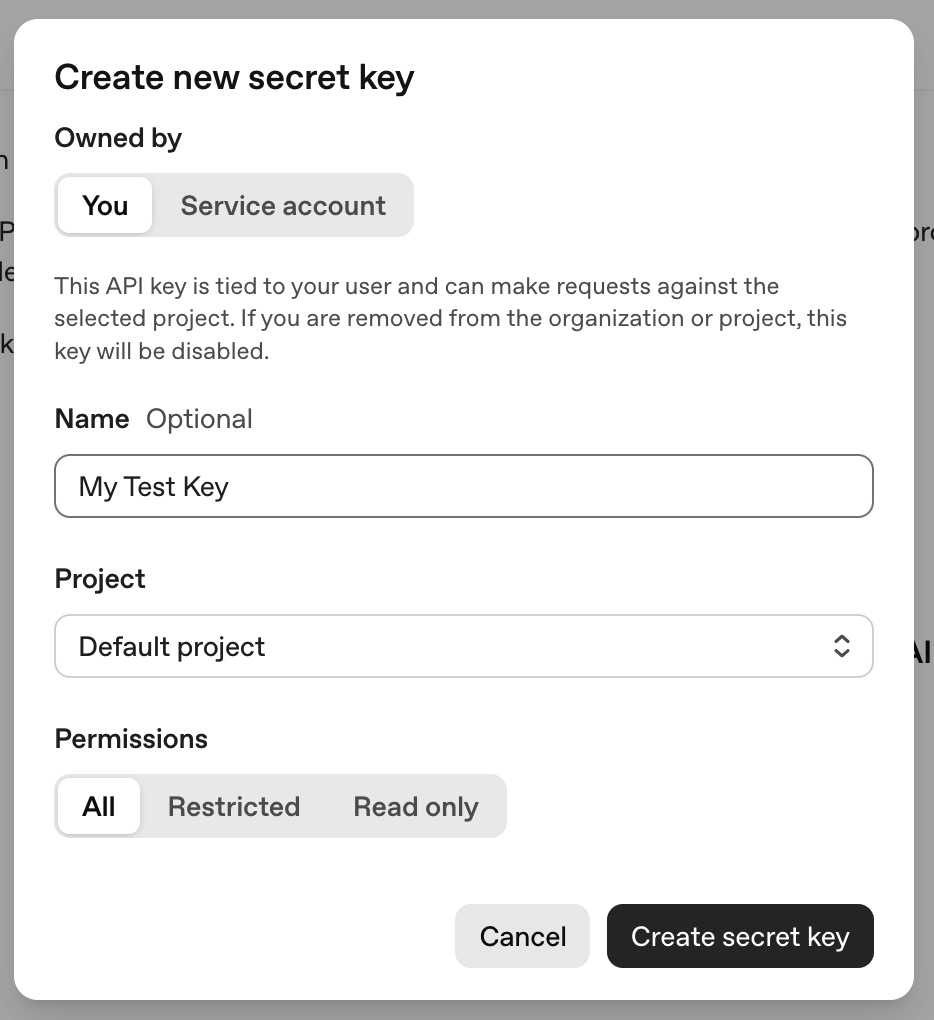
- Copy the Secret Key
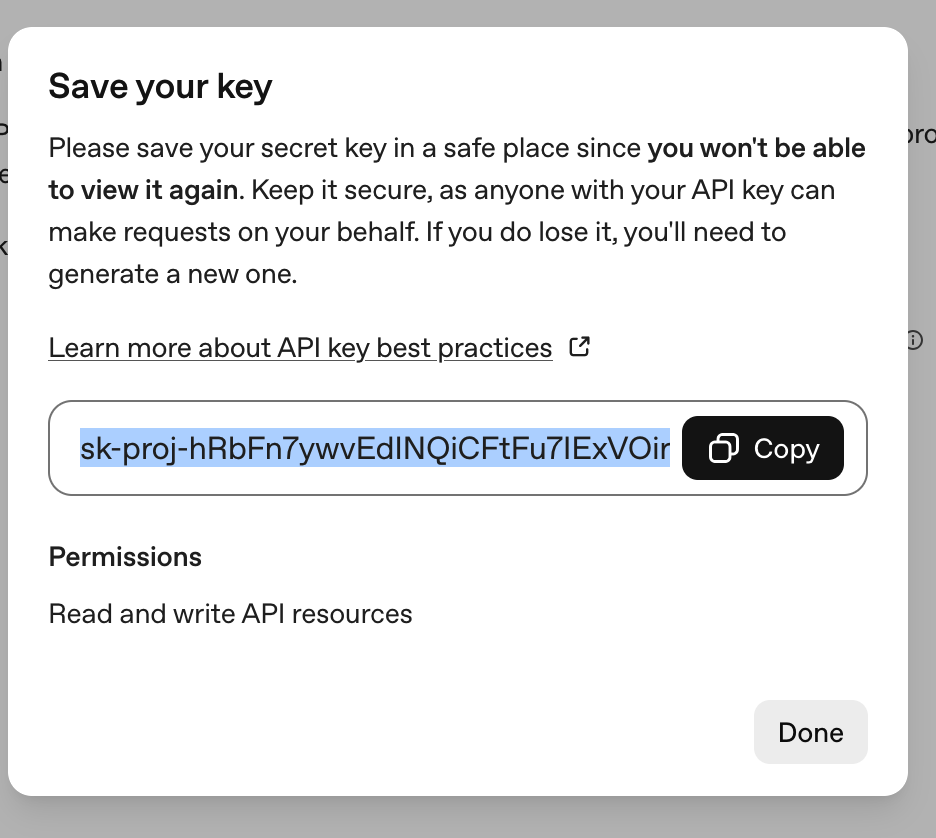
Add the Secret Key
Add the copied OpenAI secret key in Chakra AI Model settings and click Save