

Chat InboxOther Chat Inbox Features
Close A Chat
Steps to close a chat in Chakra Chat Solution
📌 Close Chats
You can easily close a chat.
- Click on any chat in the Chats section to open the full conversation window.
- At the top of the conversation Close Chat option is available.
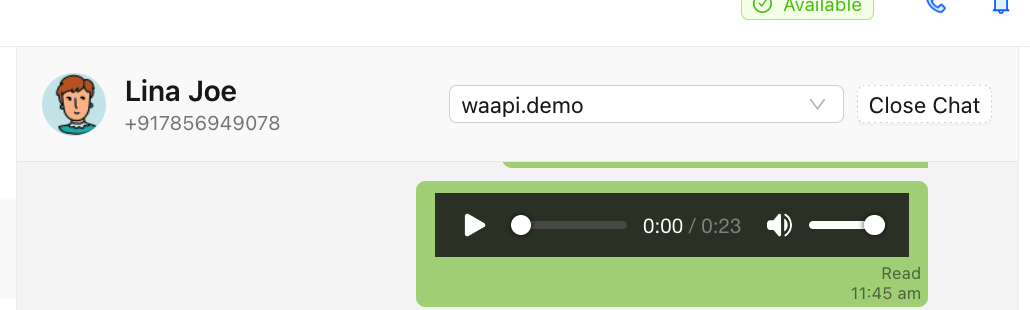
- Click on Close Chat.
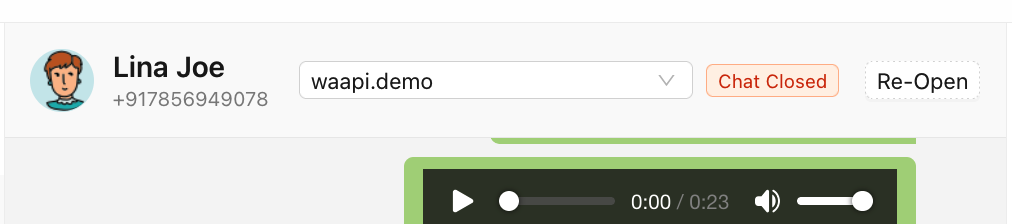
This helps ensure that the chat has been closed and if the same user chat is received on Chakra, it will be created as a new chat thread.