

Account SetupOther Setup Settings
Connect Multiple Numbers
Overview
Create multiple Phone numbers to your WhatsApp Business account in Chakra or create multiple WhatsApp Business Accounts in the same Chakra WhatsApp Setup.
Connect Multiple Phone Numbers/ WABAs
Go to 👉 WhatsApp Setup
In the ReConnect WhatsApp section click on Continue with Facebook
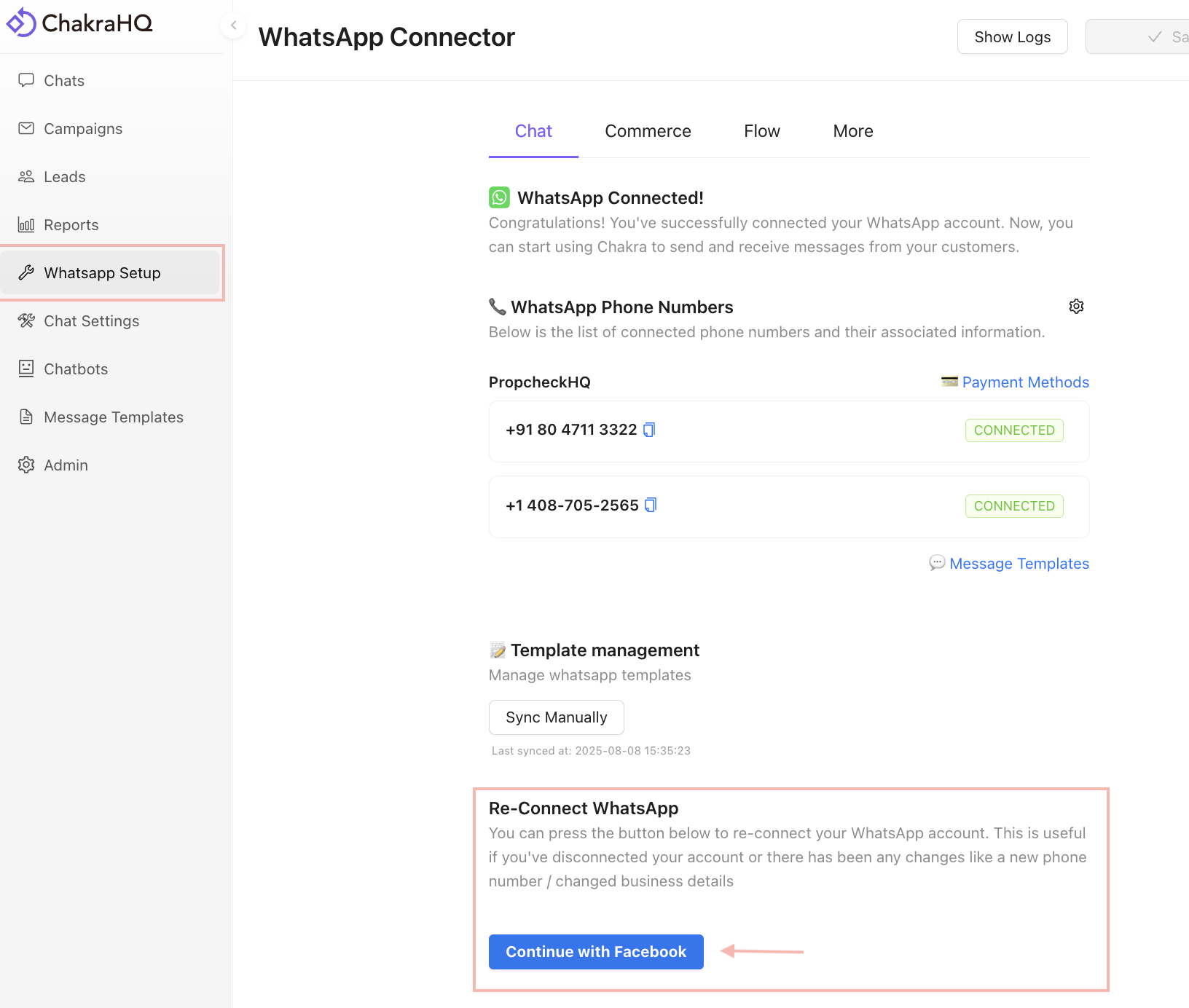
Follow the WhatsApp Setup steps
Follow the setup steps as done for a new WhatsApp setup
New Number setup Coexistence Setup
At Create or Select WhatsApp Business Account step
At this step Create or Select your WhatsApp Business Profile
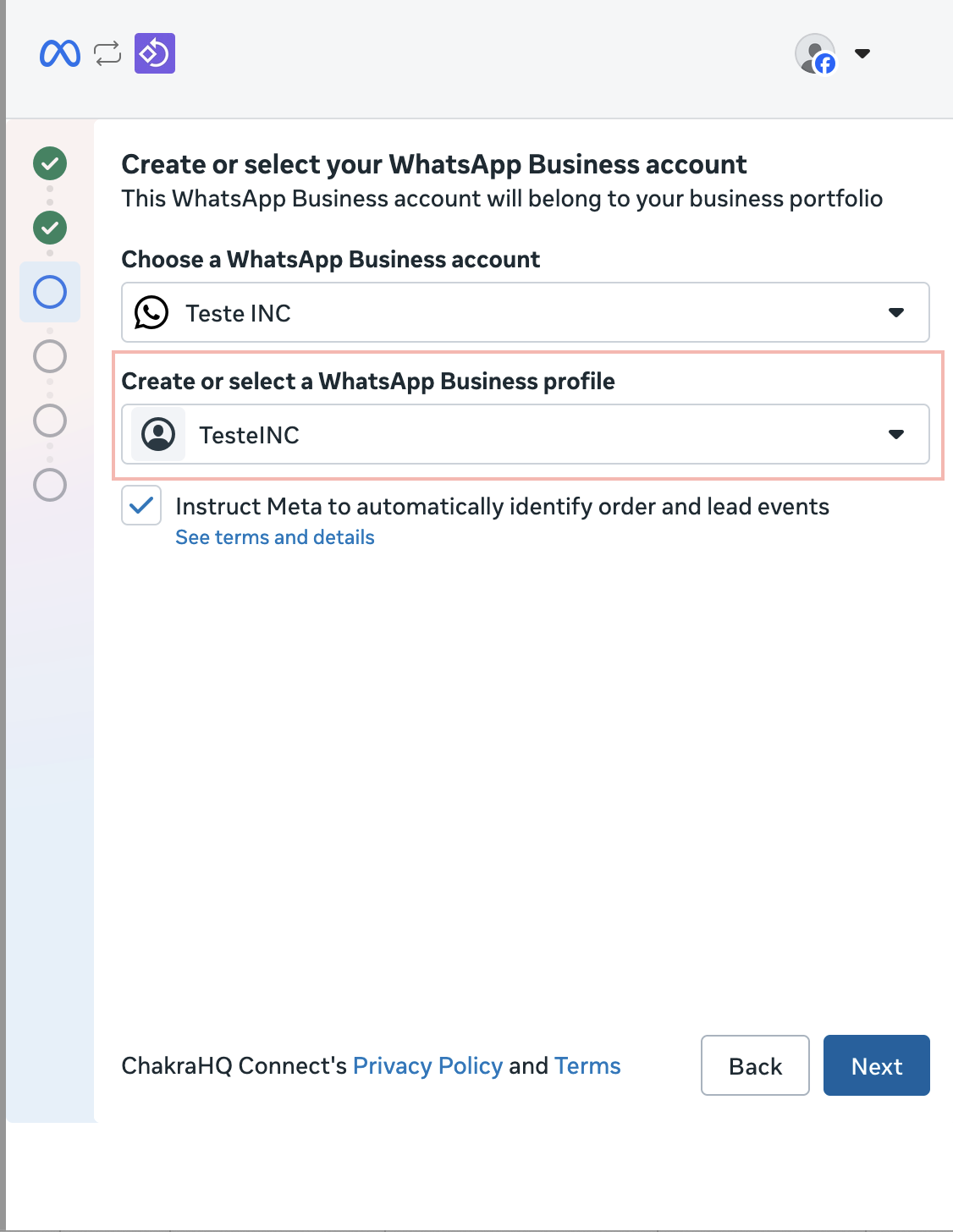
To Add Multiple Phone Number to same WABA
- Choose your relevant
Business Portfolio
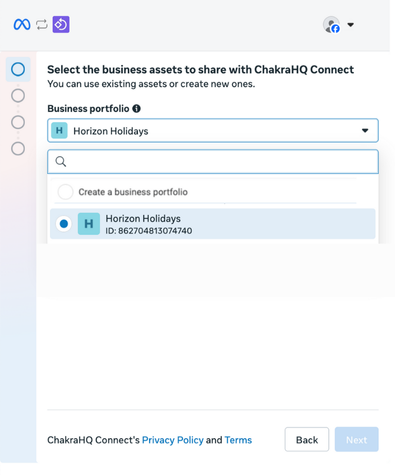
- In the
Choose a WhatsApp Business account, choose an existing WABA (OPTION 3 in image)
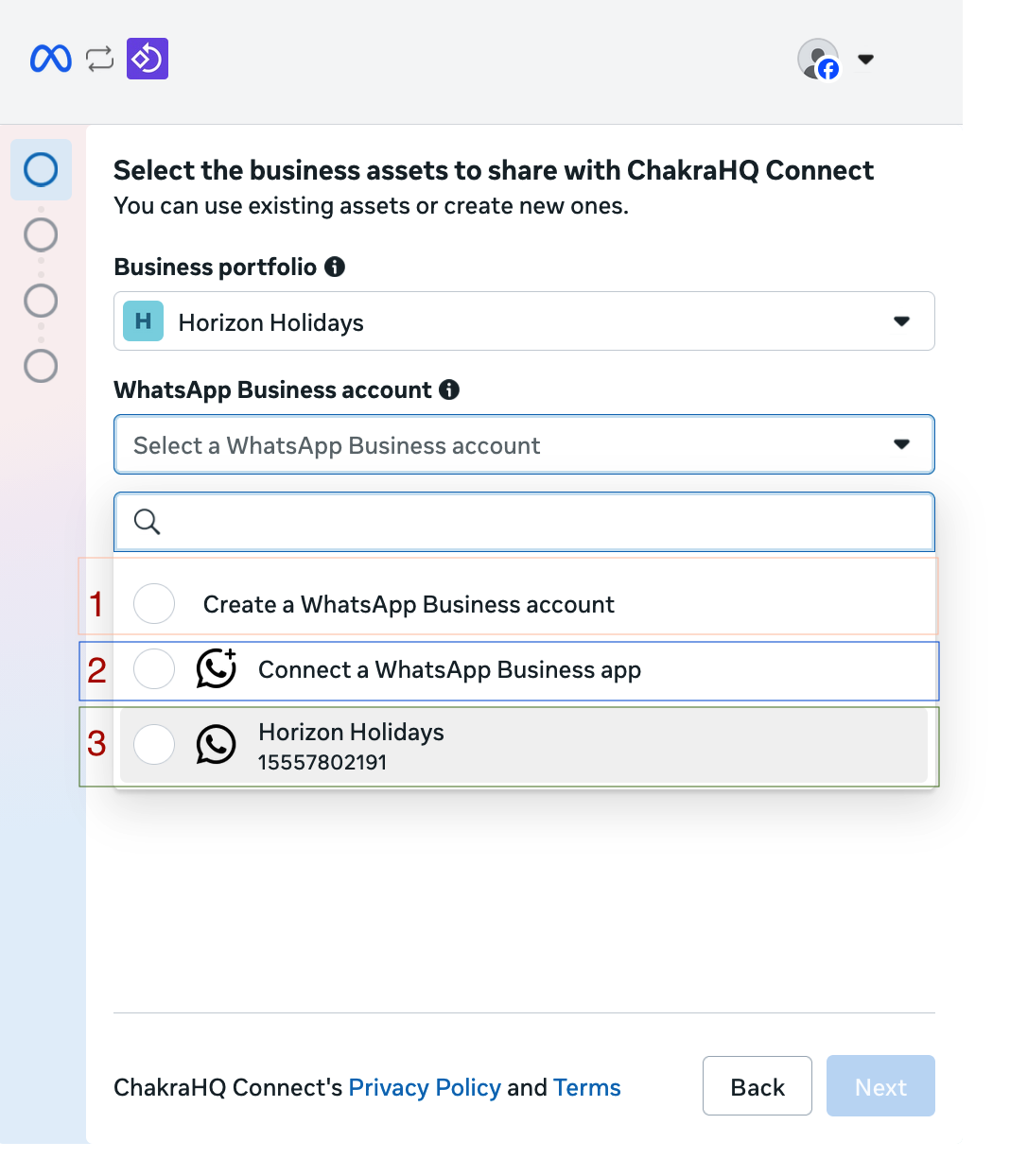
- In the the Add your WhatsApp Phone Number section choose
Add a New Number,Verifyand continue with the setup
Add a New WhatsApp Business Account
- In the
Choose a WhatsApp Business account, chooseCreate a WhatsApp Business account
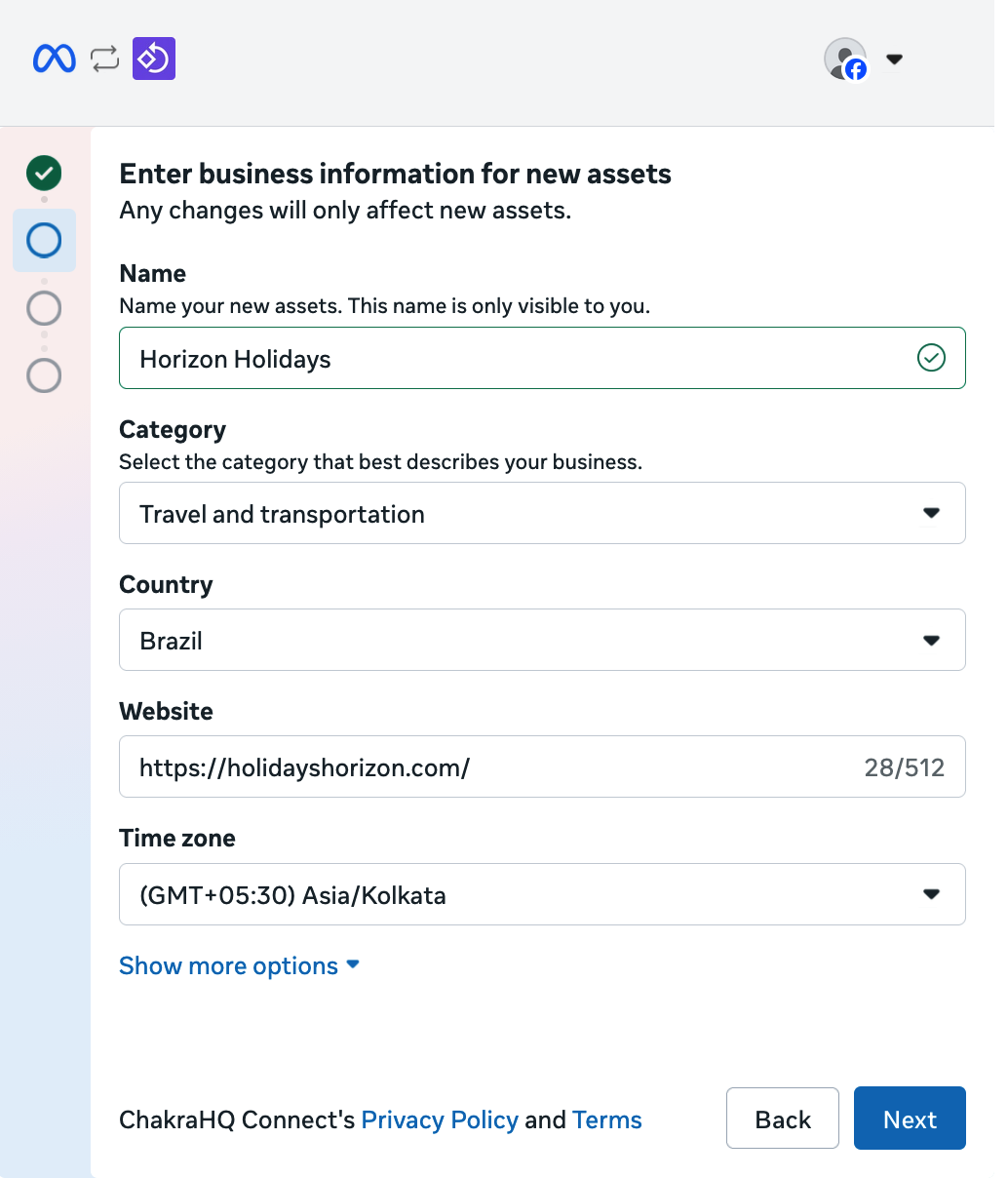
- In the the Add your WhatsApp Phone Number section choose
Add a New Number,Verifyand continue with the setup
Complete the setup and it should successfully reflect multiple Phone Numbers or WABA
For any issues, contact Chakra support