

Getting StartedSetup WhatsApp Account
Step 4: Upgrade to paid plan
 Overview
Upgrade your Chakra Chat account by choosing a Paid Subscription to access all features access
Prerequisites:
- A Payment Method
Step-by-Step Guide
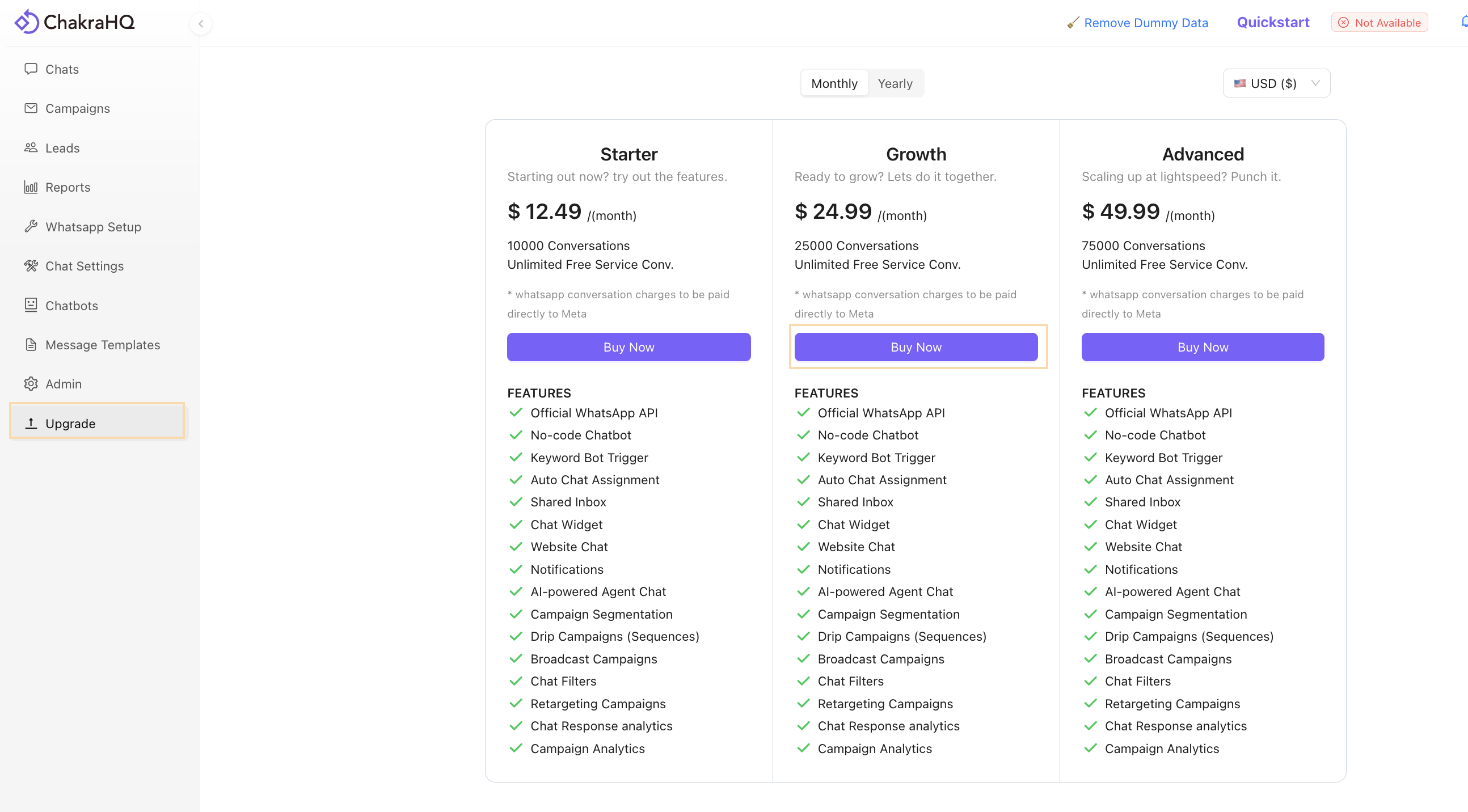
Go To 👉 Chakra WhatsApp Upgrade
- Choose a Subscription Plan: Select the desired Subscription Plan and click Buy Now.
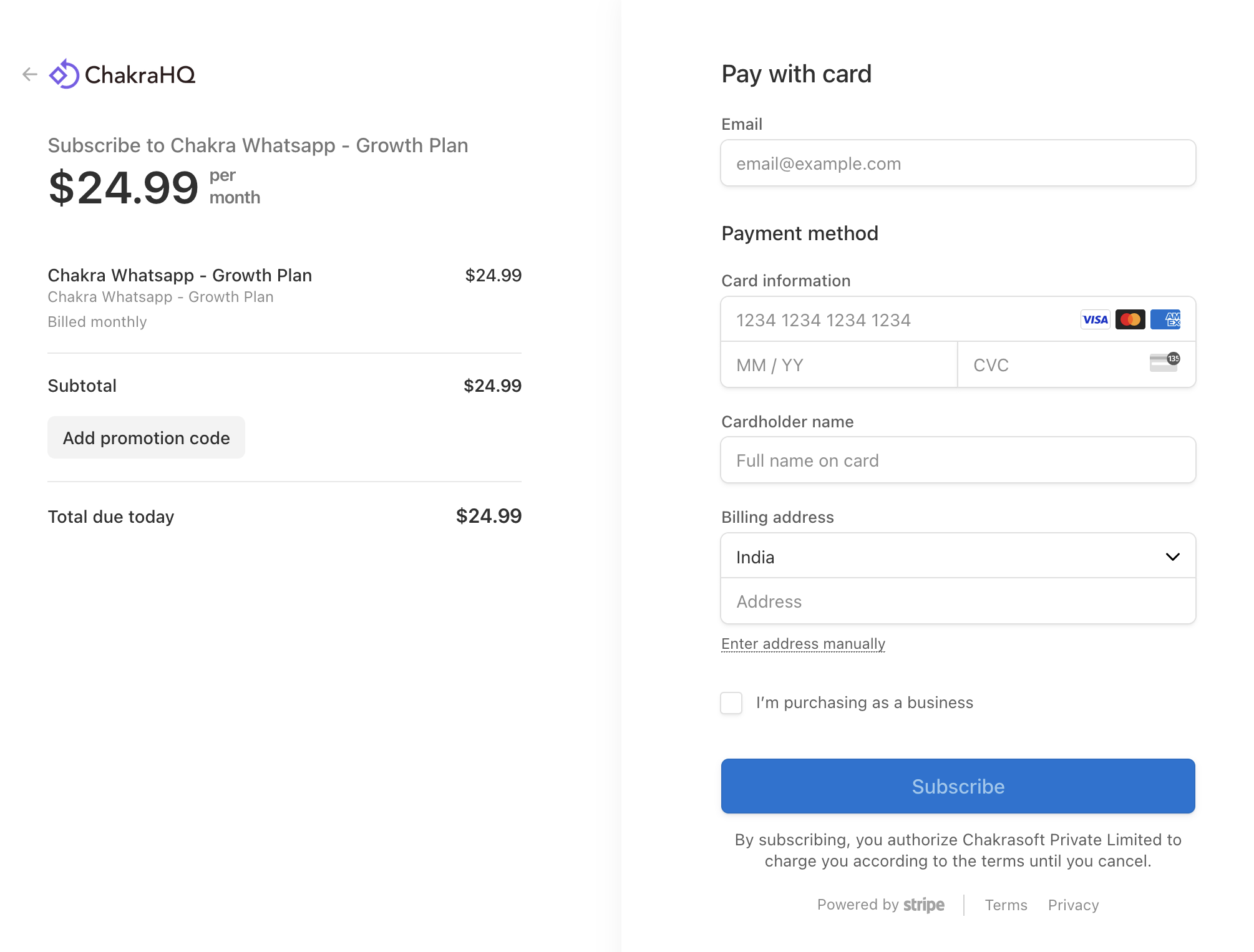
- Enter Payment Information: On the Payment page, provide your payment and billing details, then submit to complete the upgrade.\\
End: On payment success, your subscription should be active. You have access to all the available features, including outbound/broadcast messages